
Marcus Williams
Marcus Williams covers Mac hardware and repair for Macfax. He spent six years on the bench at an Apple Authorized Service Provider in the Pacific Northwest before going independent, most of that time on logic-board repair, display assembly swaps, and the failure patterns Apple's diagnostics don't surface. He writes about what's inside a Mac, what breaks first, and what a serial number can and can't tell you about a unit's history.
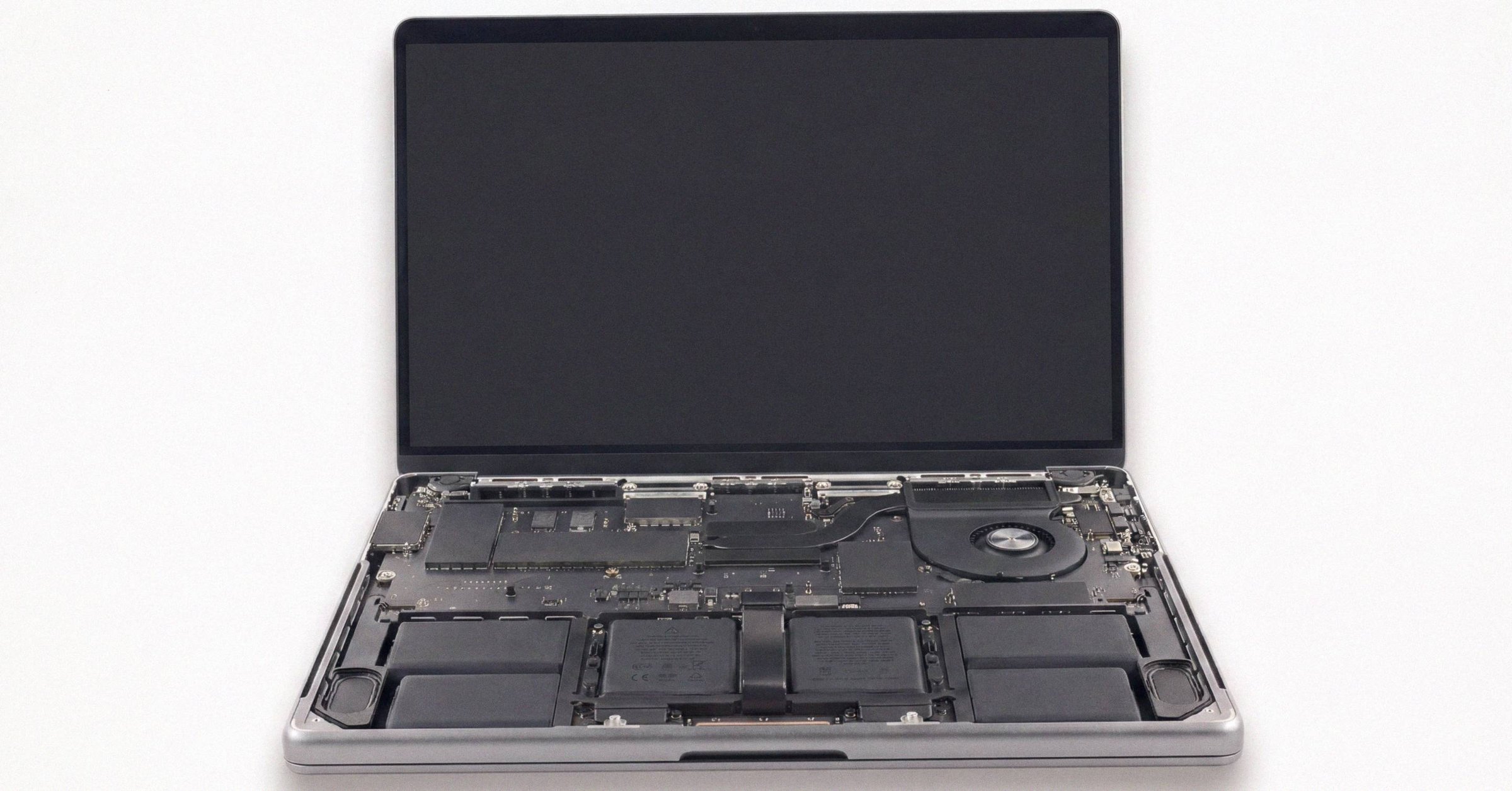
How to use Apple Diagnostics: invocation, ADP000, and what to do next
Apple Diagnostics returns one of two things: ADP000 (no issues found) or a three-letter-plus-three-digit code. ADP000 is shallow by design. Here's how to read the result, when to rerun, and which third-party tool fills which gap.

Apple Coverage Check on refurbished and gray-market Macs
Apple Certified Refurbished Macs come with a fresh one-year Limited Warranty and full AppleCare+ eligibility. Third-party 'renewed' Macs do not. The model-number prefix (M, F, N, P, 3, 5) and region suffix (LL/A, J/A, VN/A) tell you which Coverage Check will show.
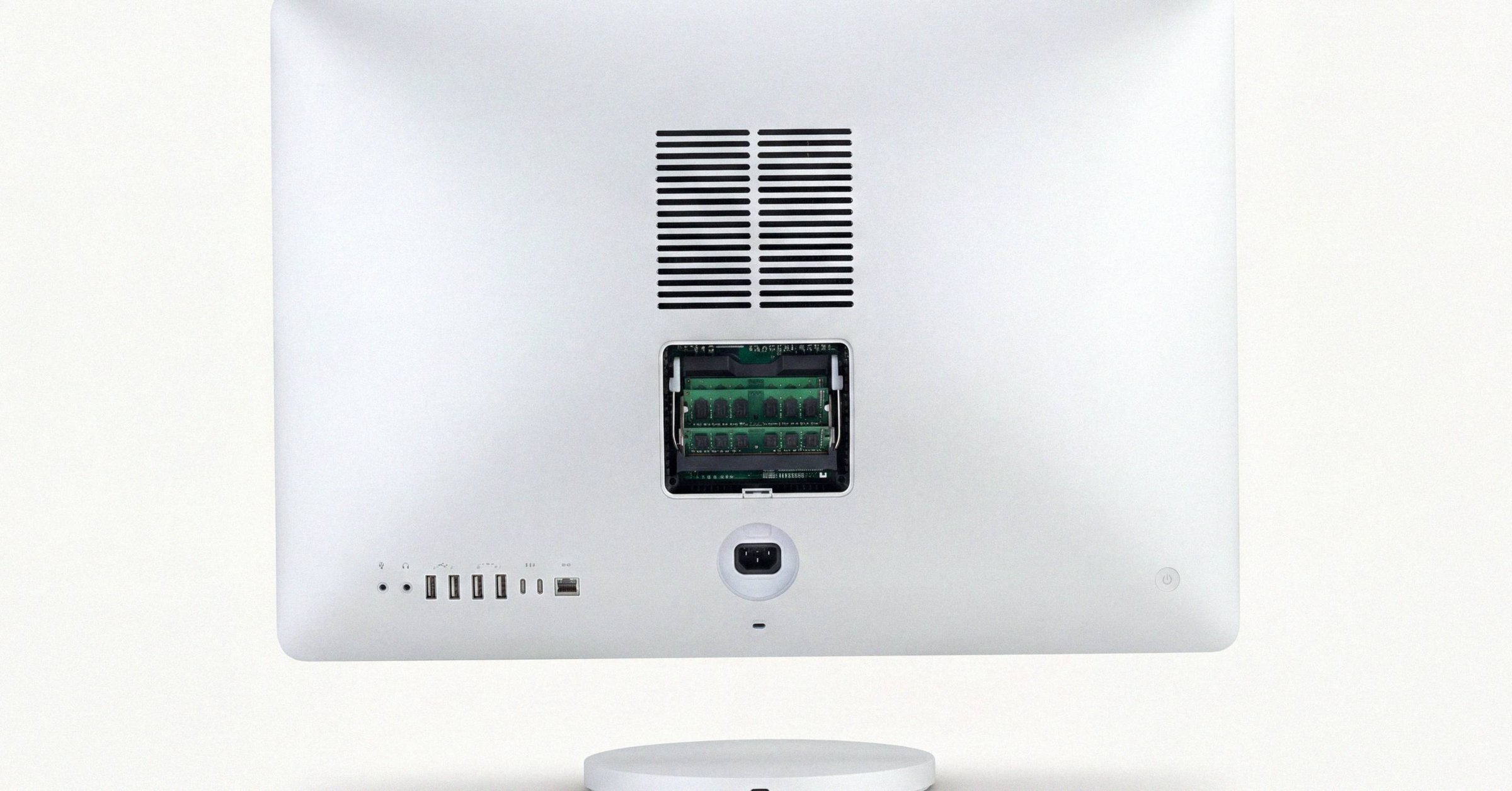
How to run diagnostics on a Mac: every method compared
There are five consumer-accessible ways to test a Mac's hardware health (Apple Diagnostics, CoconutBattery, smartctl, DriveDx, EtreCheck) and one technician-only stack you cannot run yourself. Each answers a different question. Running one is not running all five.
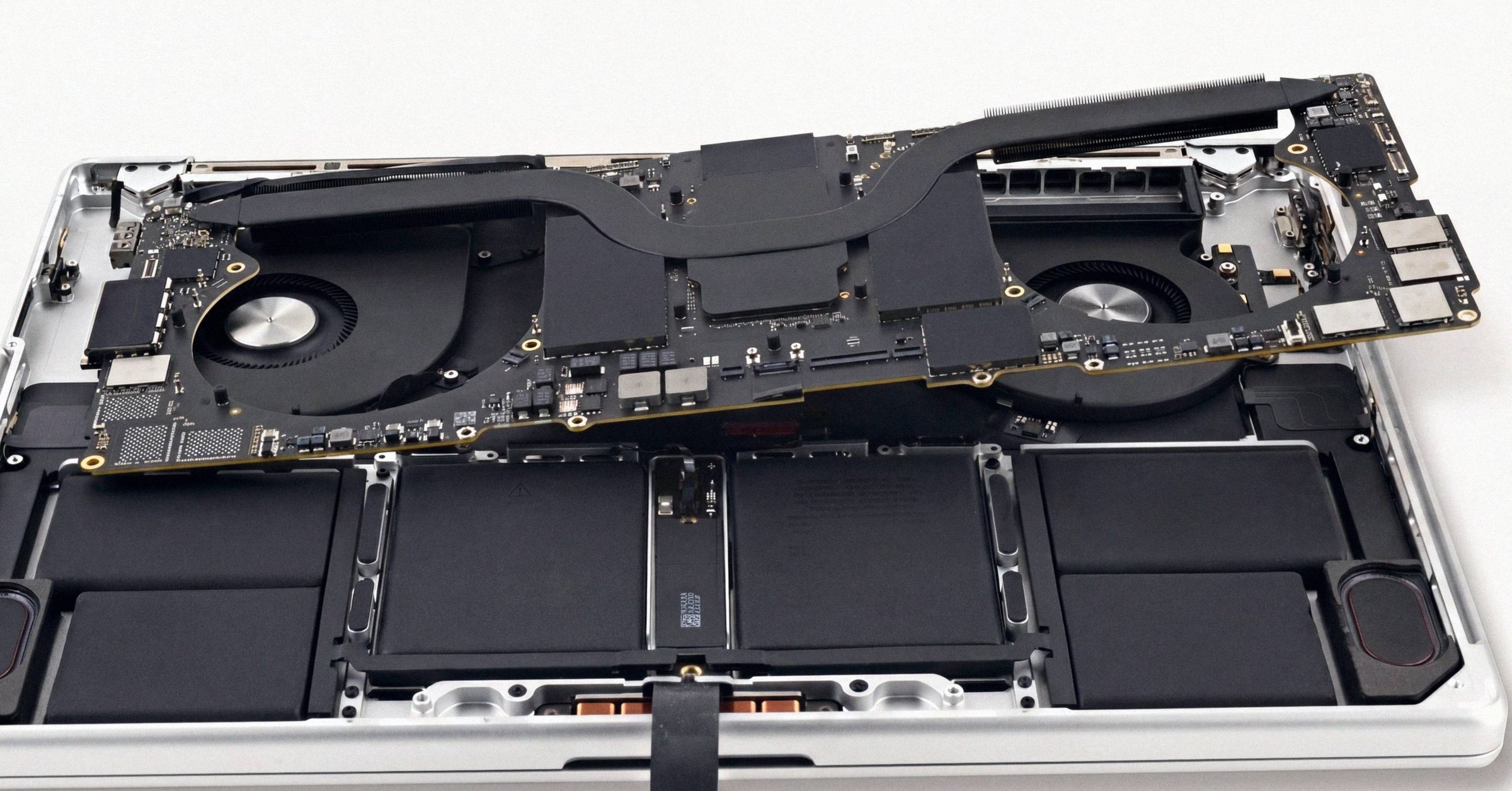
Apple repair history on a Mac: GSX, Parts & Service, and what owners can actually see
Apple repair history on a Mac lives in three places: GSX (Apple's internal database, locked to authorized partners), the macOS Tahoe Parts & Service pane, and third-party invoices. The owner sees the smallest slice.
Diagnose MacBook Pro: a troubleshooter's guide by symptom
When a MacBook Pro misbehaves, the symptom usually maps to a specific Apple Diagnostics prefix (PPT for battery, VFD for display, NDK for keyboard, PFM for SMC, PPM for memory). This is the symptom-to-test mapping plus the manual spot-checks Apple Diagnostics doesn't catch.
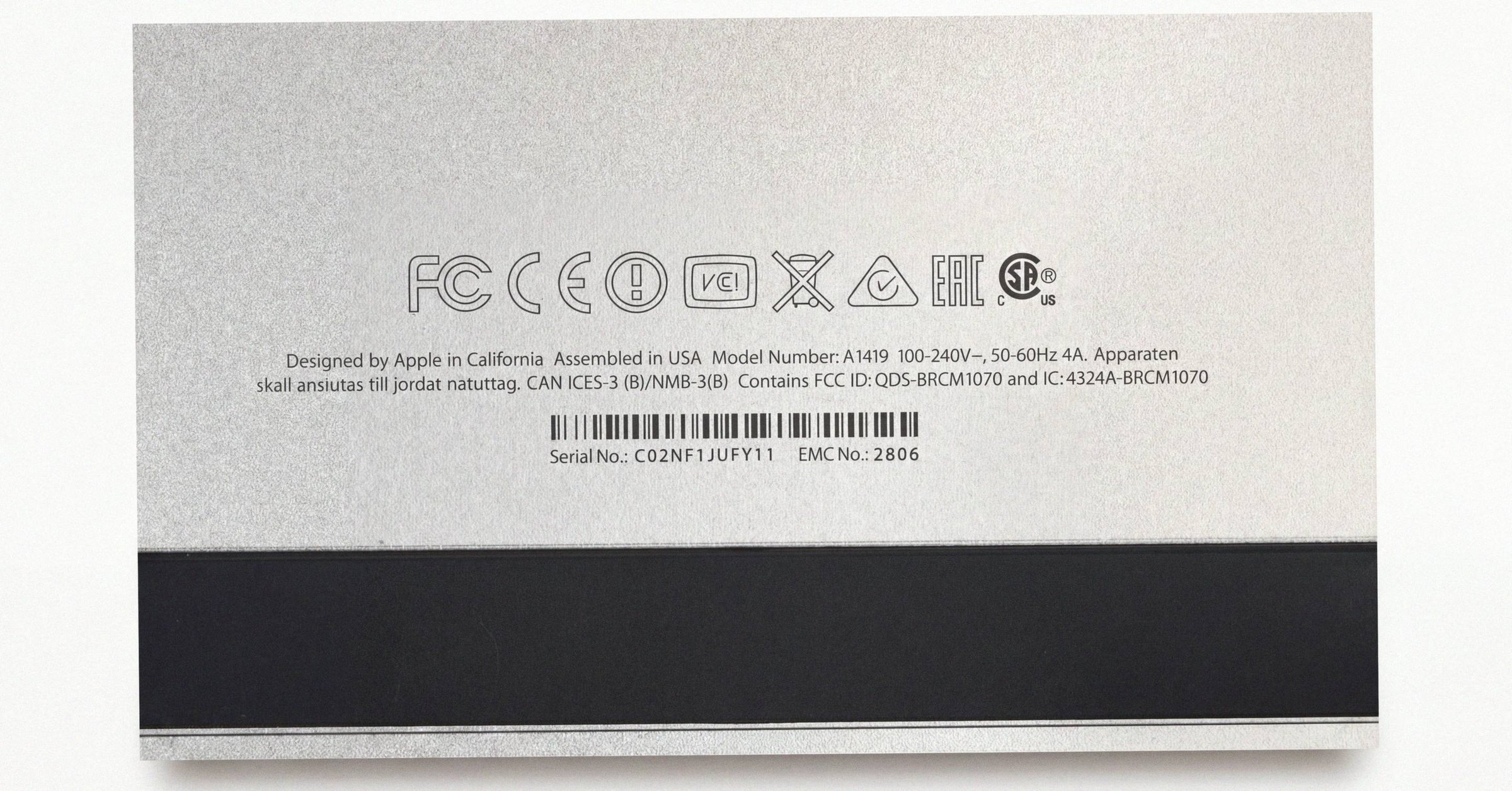
Apple serial number decoder: how to read a Mac serial and its manufacture date
An Apple serial number decoder for every Mac serial format: the 11-character serials from before 2010, the 12-character serials from 2010 to 2021 with a worked example and the manufacture date they carry, and what changed with the randomized serials Apple has issued since 2021.
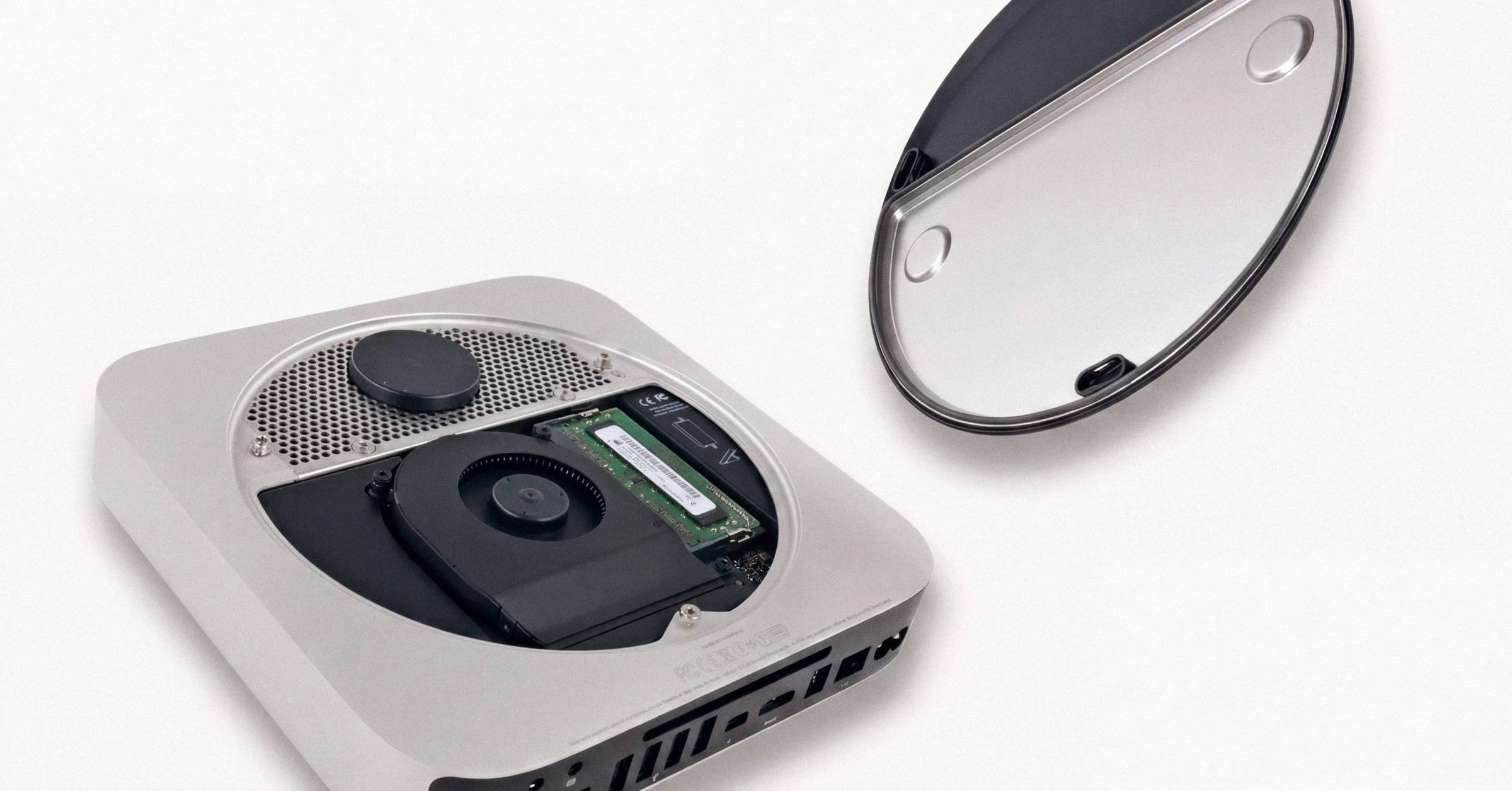
Apple M4 chip: how to verify yours is genuine
Verifying a used M4 Mac is mostly four checks: About This Mac plus system_profiler for the chip line, Apple Diagnostics for PPR/PPM/PFR codes, the Parts & Service pane for a Genuine logic board, and recognizing the AST 2 report offers that are always fraudulent.
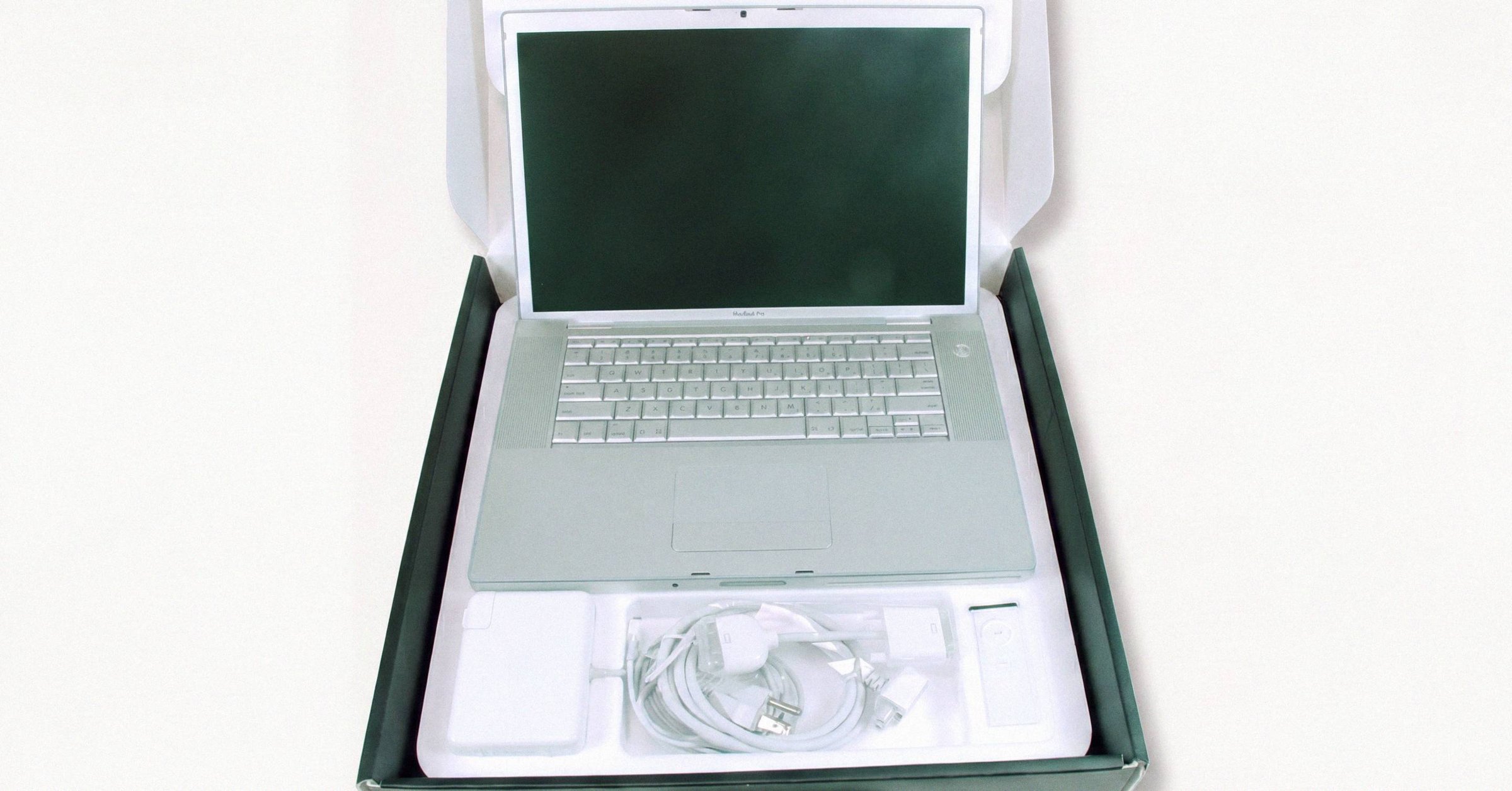
Apple Silicon Mac hardware explained: the complete technical reference
Apple Silicon Mac hardware in one reference: the M-series chip template, the Secure Enclave, on-die storage, and the identity primitives that tie Check Coverage, Parts and Service, and App Attest to a single SoC.
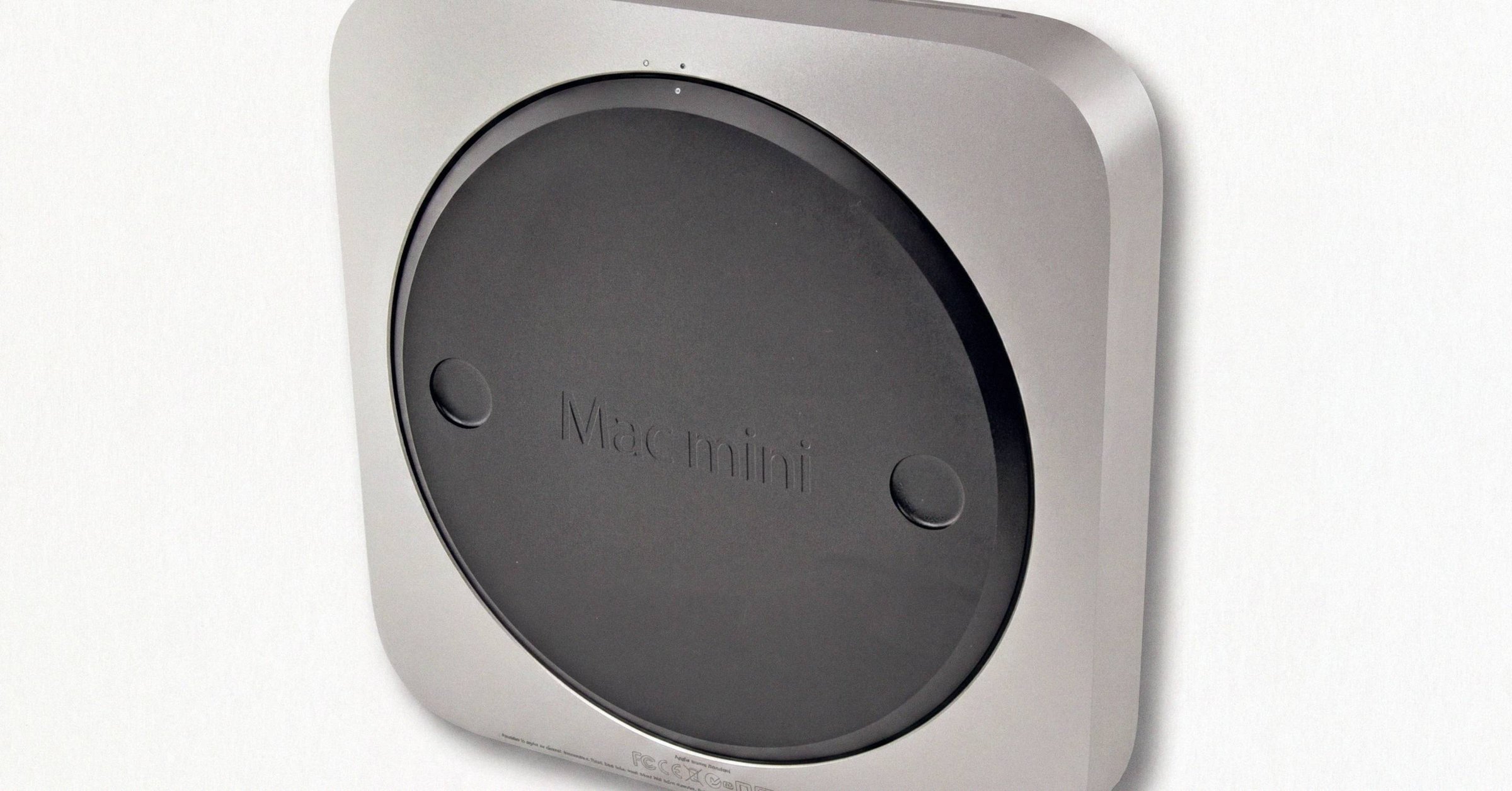
Apple Coverage Check for iPhone vs Mac: what's different
Apple Coverage Check uses the same URL, the same field set, and the same one-year Limited Warranty length on iPhone and Mac. The differences are where to find the serial, which AppleCare+ tiers are available, and how aggressively the country-of-sale warranty restriction applies.
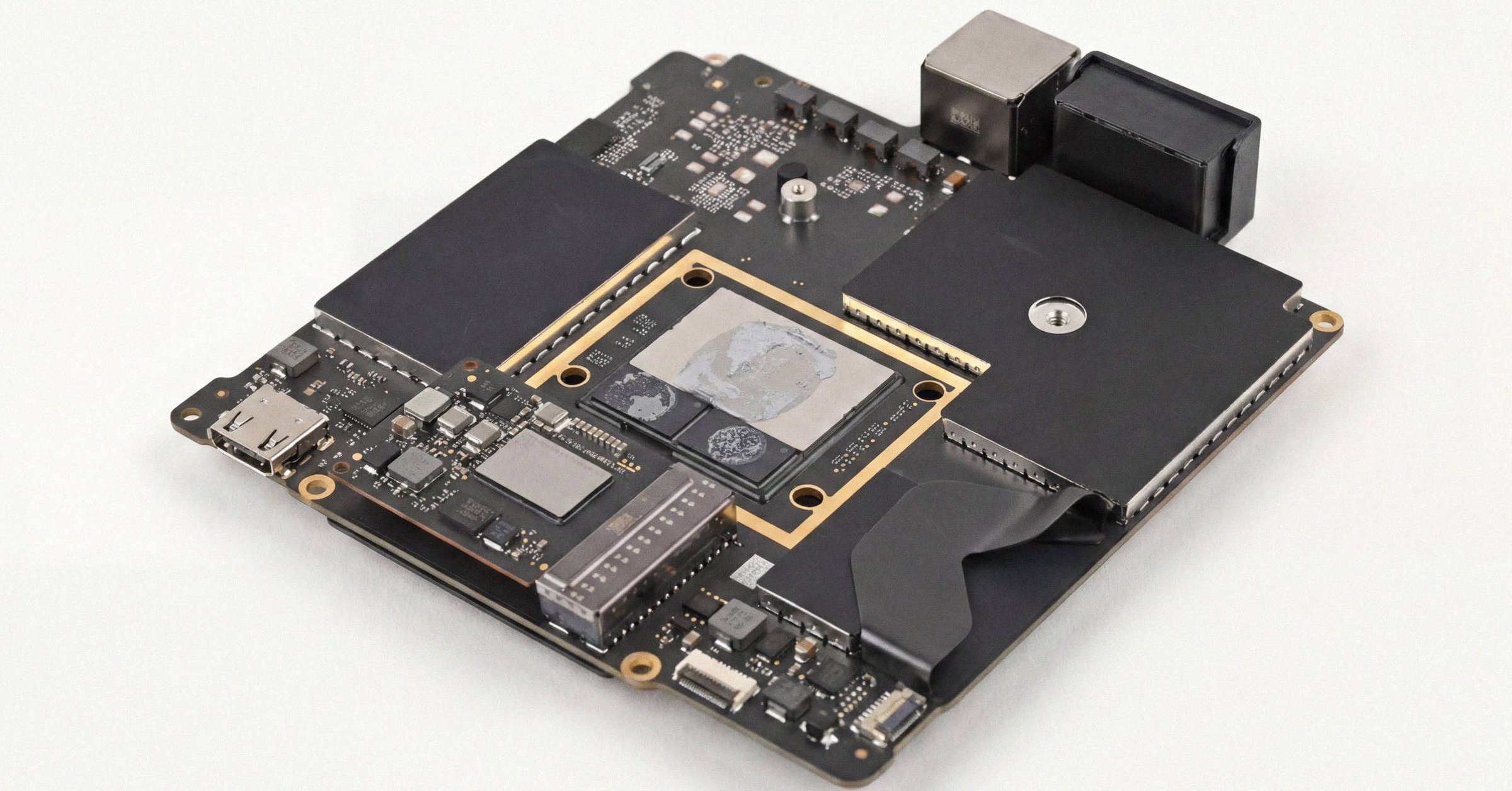
Apple Diagnostics test failed: how to read the code and decide next steps
Apple Diagnostics returns a three-letter-plus-three-digit reference code when something fails. Some codes clear after disconnecting peripherals or fully seating a latch. Others mean a logic board. The triage is in the prefix, and in whether the code persists across reruns.
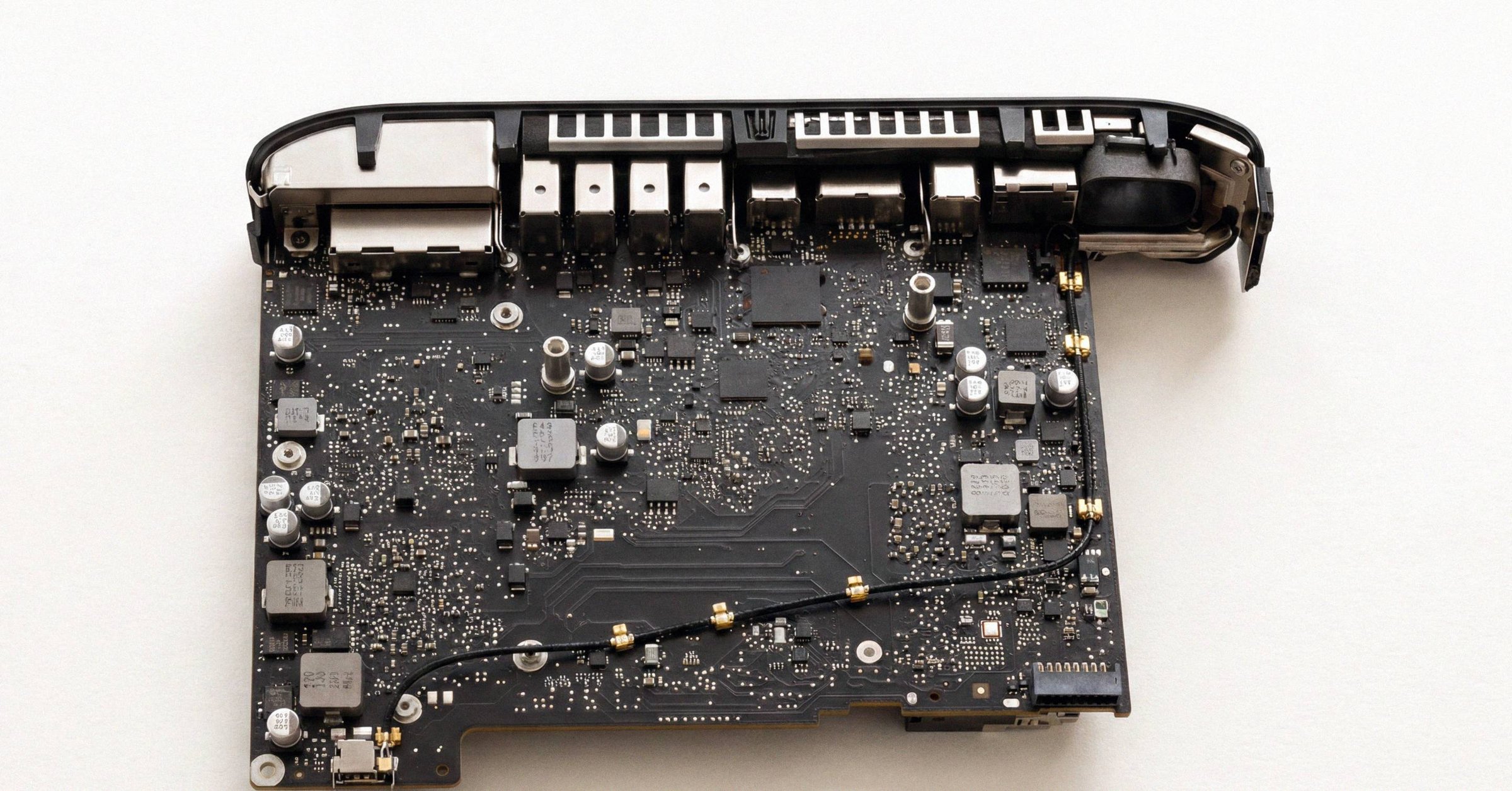
Apple Diagnostics reference codes: every prefix and what it actually means
Apple Diagnostics reports a three-letter prefix plus three digits. ADP000 means clean. Every other prefix maps to a specific subsystem on Apple's published reference list, with very different cost implications depending on whether the issue is the battery, a soldered memory module, the display assembly, or a sensor trace severed by liquid ingress.
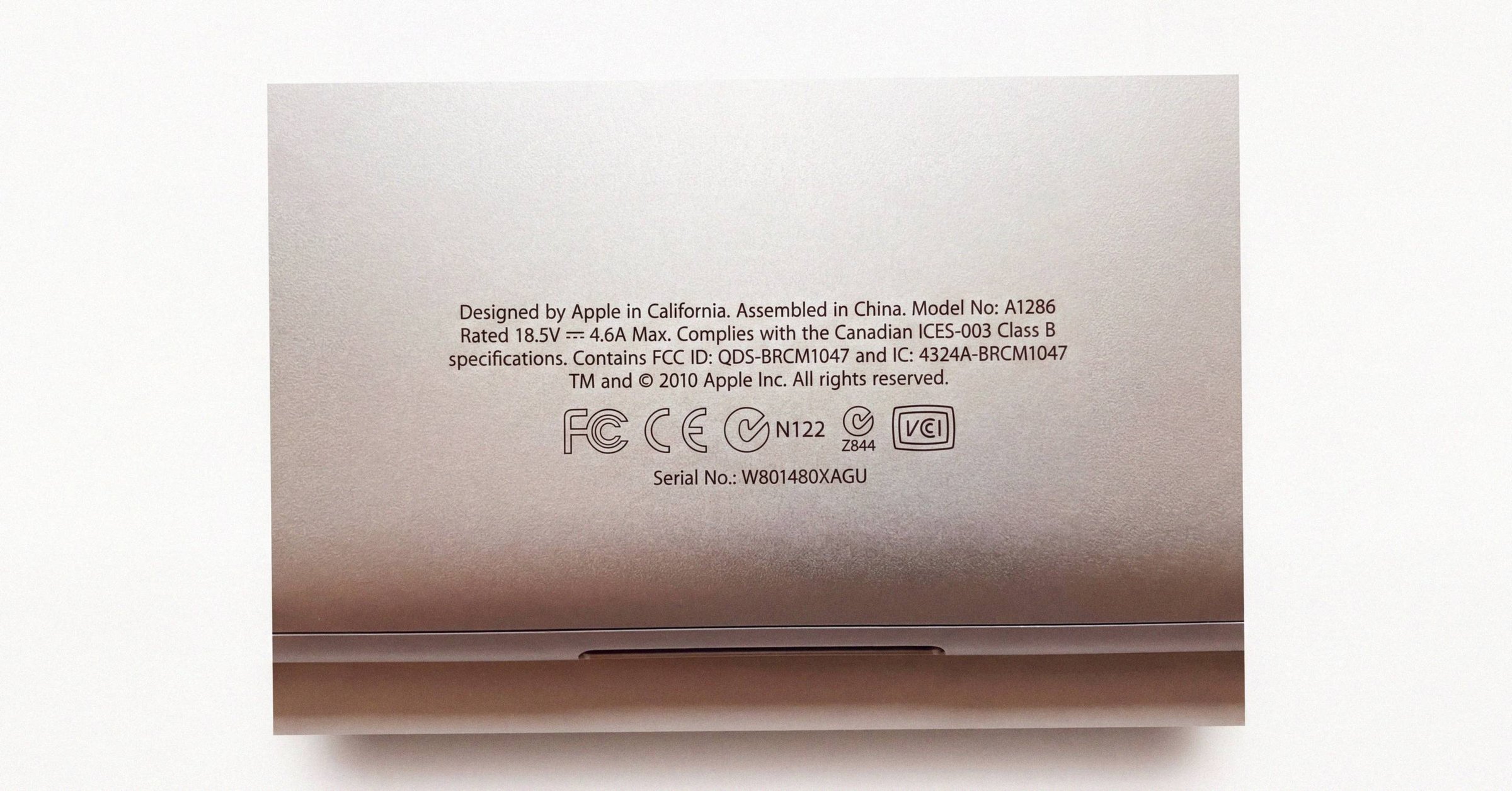
Apple Coverage Check: the complete 2026 guide
Apple Coverage Check at checkcoverage.apple.com is now branded AppleCare & Warranty. This is the complete reference for what every result state means, what each field on a valid result actually says, and what the tool deliberately does not show.
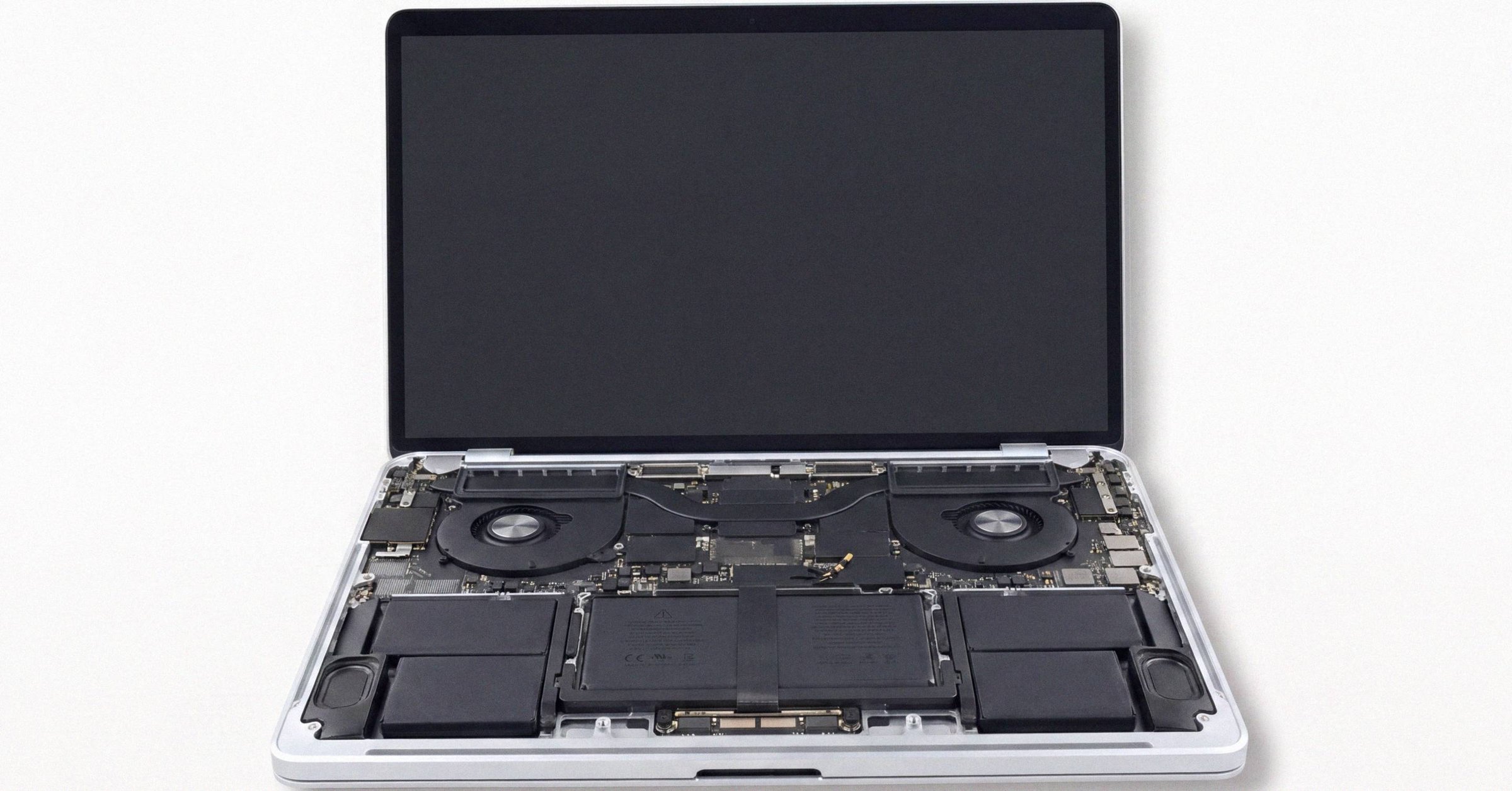
Apple Diagnostics: how to start the test on Apple Silicon and Intel Macs
Apple Silicon Macs start Apple Diagnostics from the startup-options window with Command-D, not the old hold-D-at-boot keystroke. Here's the exact sequence on both architectures and what to disconnect before you start.
Mac diagnostics: the complete 2026 guide
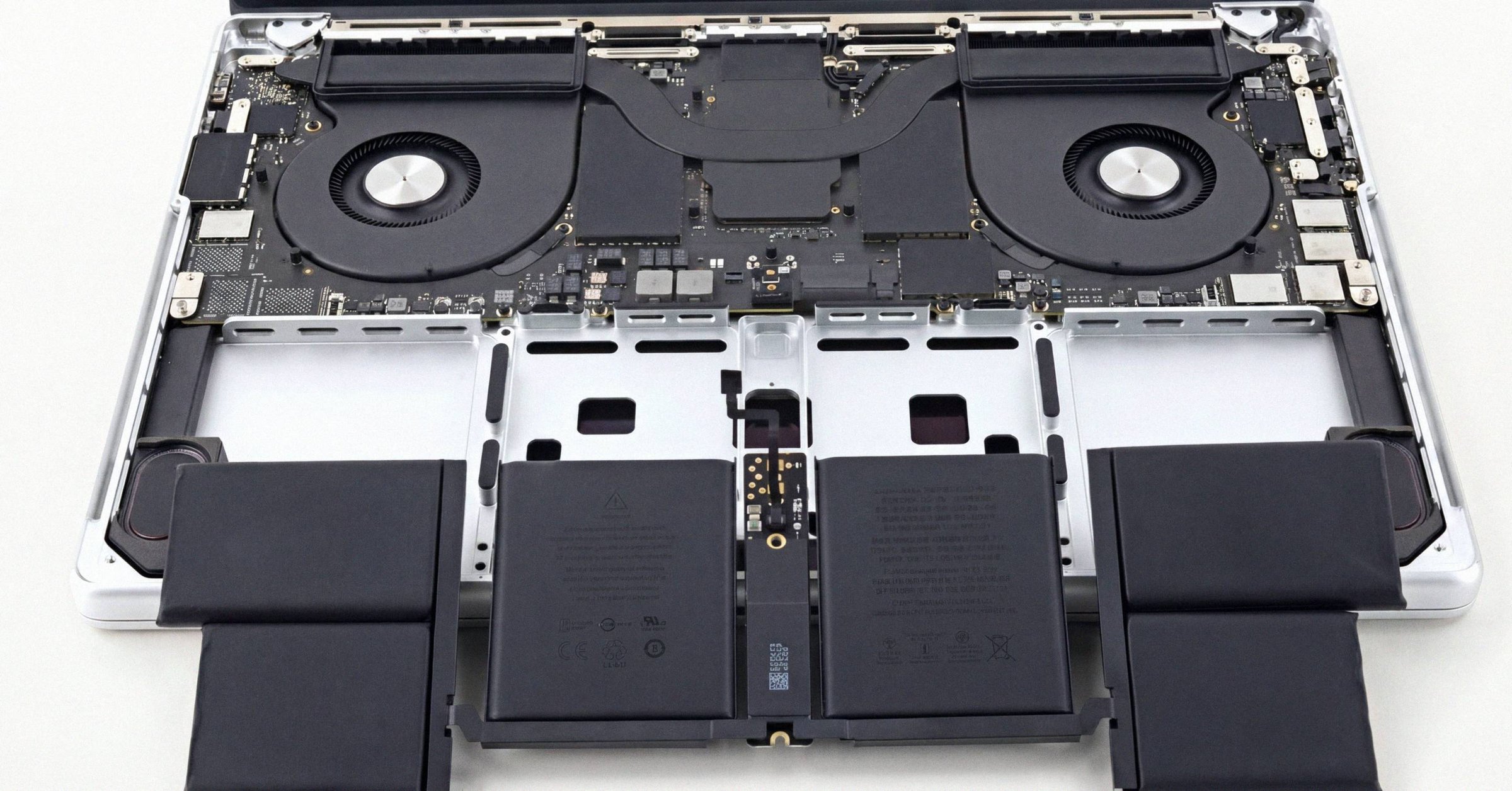
Apple Diagnostics is the only Apple-sanctioned hardware test built into every Mac since 2013, and a clean run returns reference code ADP000. This is the full 2026 guide: how to run it, the technician-only stack that isn't accessible to you, and the third-party tools (CoconutBattery, smartctl, DriveDx, EtreCheck) that fill the gaps Apple deliberately hides.
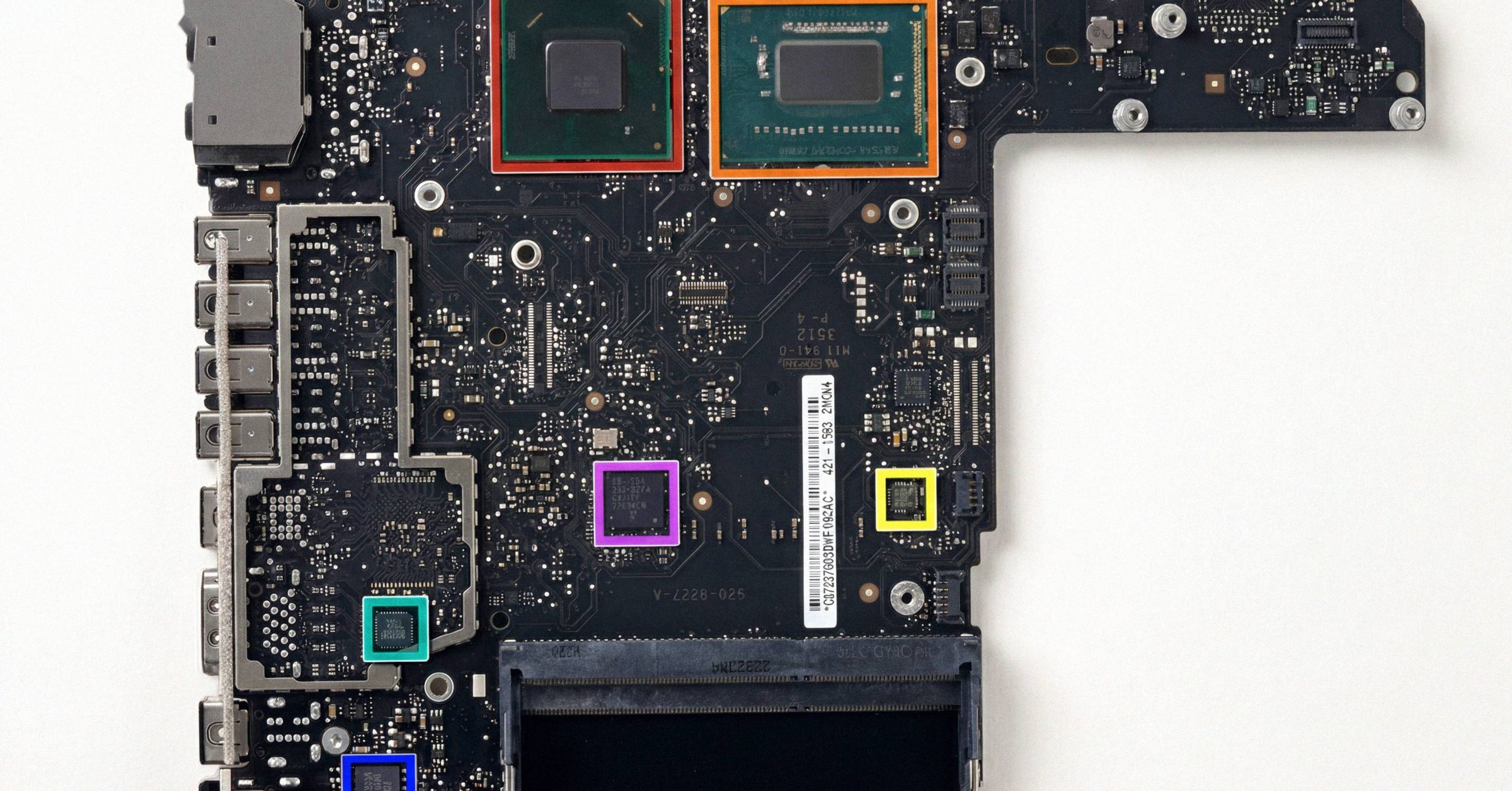
A1278 MacBook Pro: how to tell which year you actually have
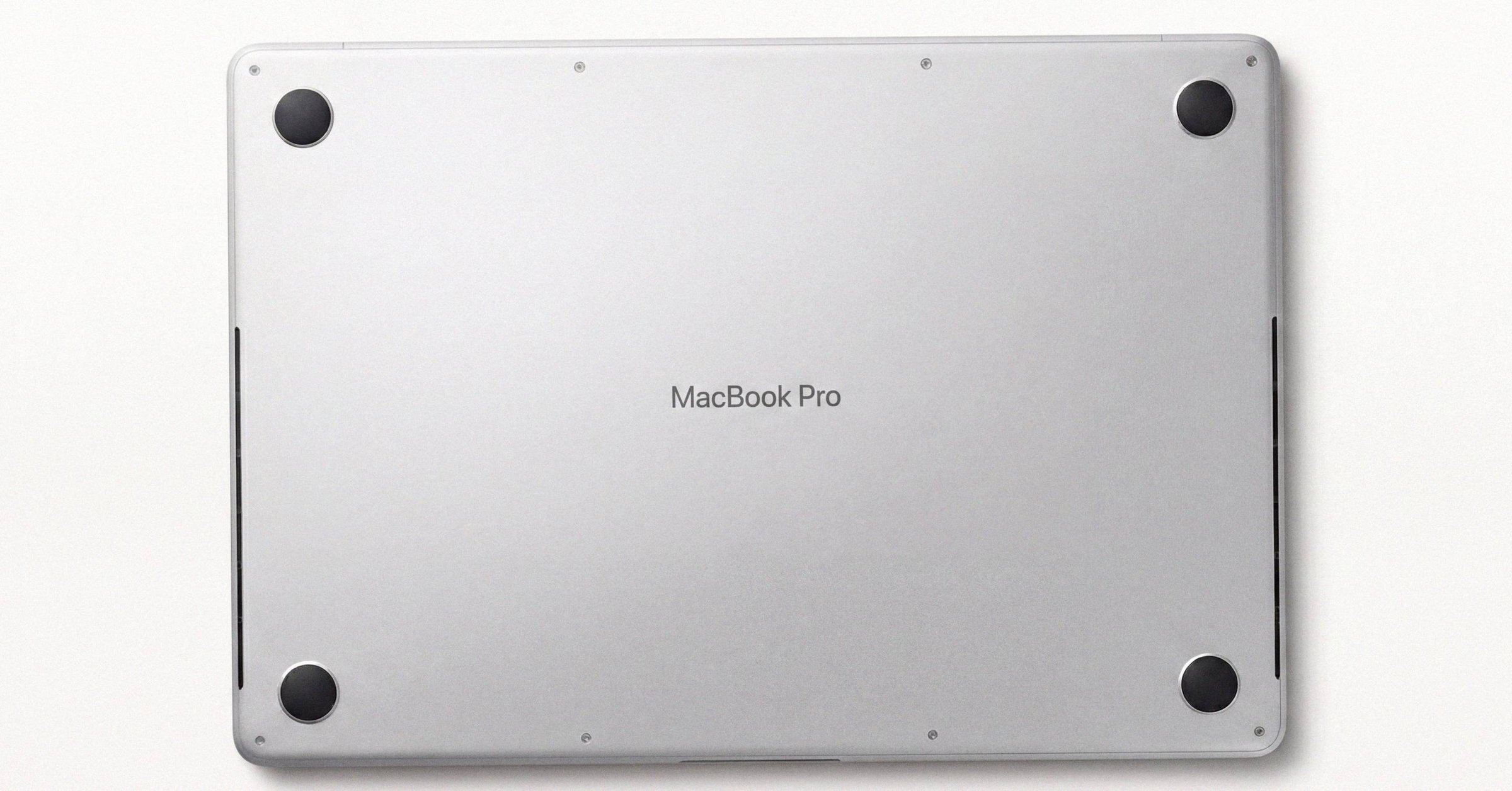
The A1278 13-inch MacBook Pro chassis shipped from late 2008 through mid-2012. Externally identical year to year, internally five different logic boards spanning two Intel socket transitions. The EMC number is the only clean way to tell them apart.
Apple serial number check: the complete guide to looking up a Mac
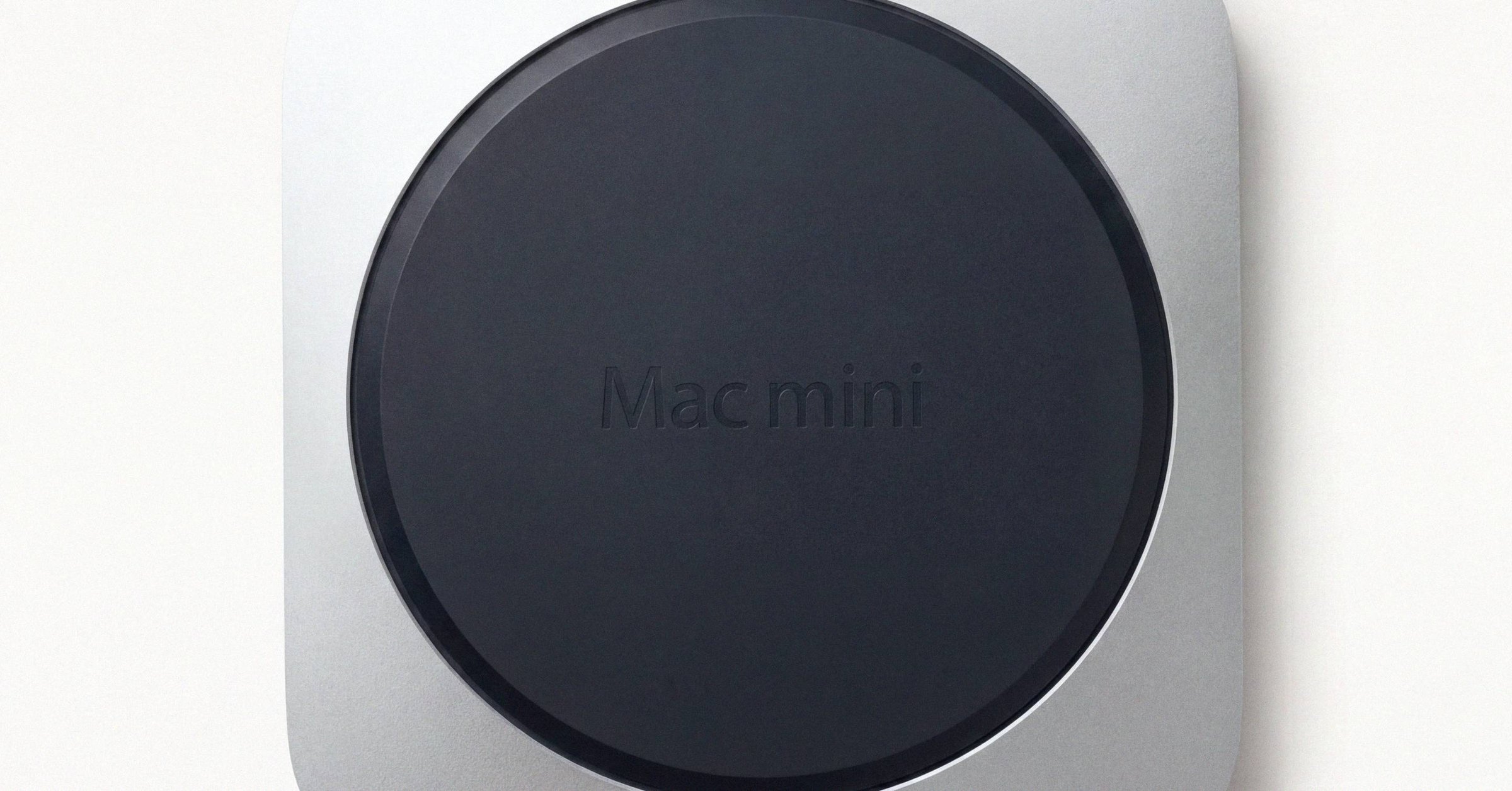
How to find a Mac's serial number on any Mac, whether it starts up or not, and how to look it up: what the serial identifies, what Apple's Check Coverage and the Macfax lookup each return, and the checks buyers, sellers and IT teams run with it.
What is unified memory on a Mac: UMA, Dynamic Caching, and why RAM is non-upgradeable
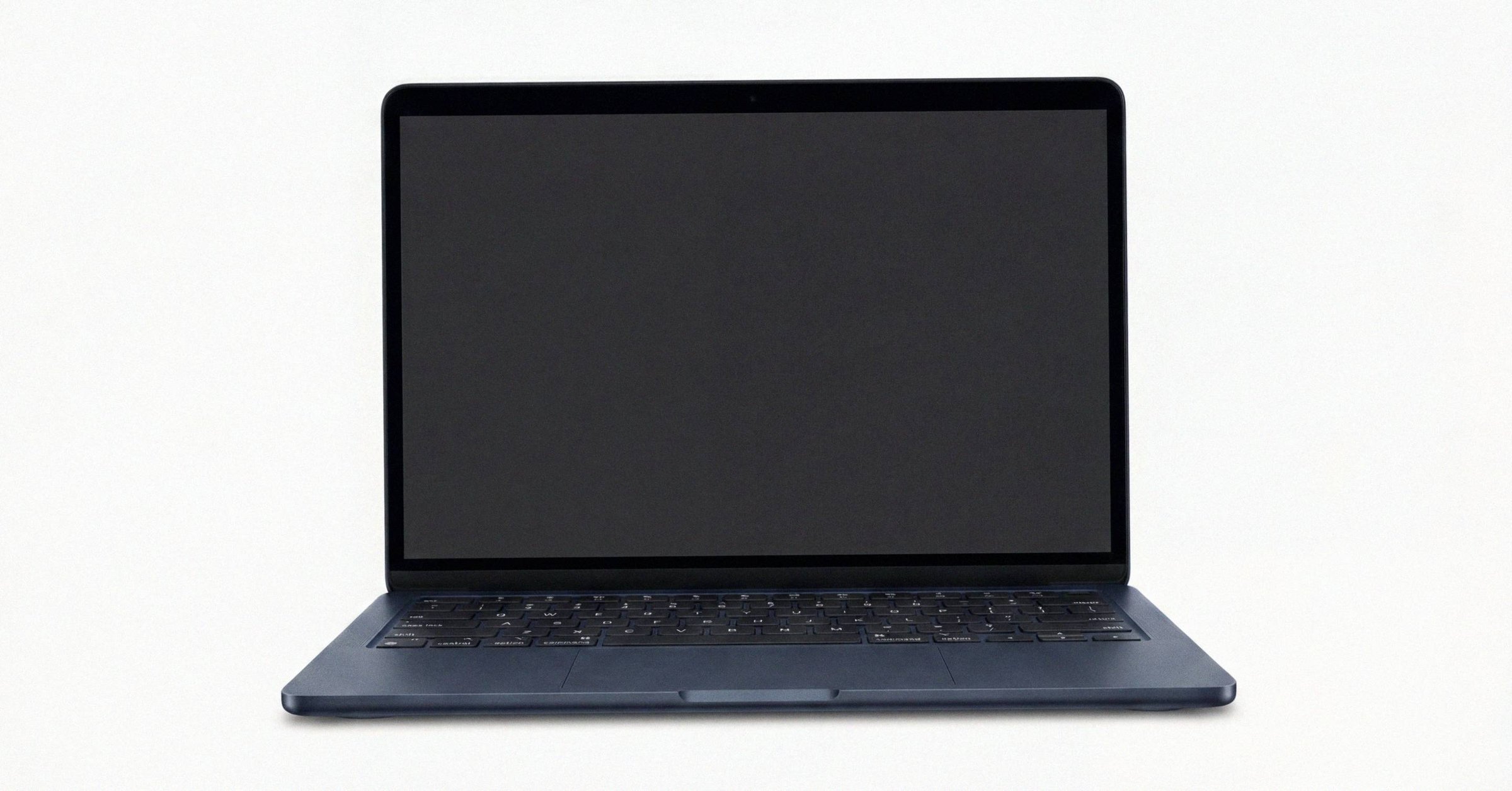
Unified memory on a Mac, explained. Apple Silicon's UMA puts CPU, GPU, Neural Engine, and Secure Enclave on one LPDDR pool packaged onto the SoC substrate. That single design choice explains why Mac RAM cannot be upgraded, and why M3's Dynamic Caching is a bigger deal than it sounds.
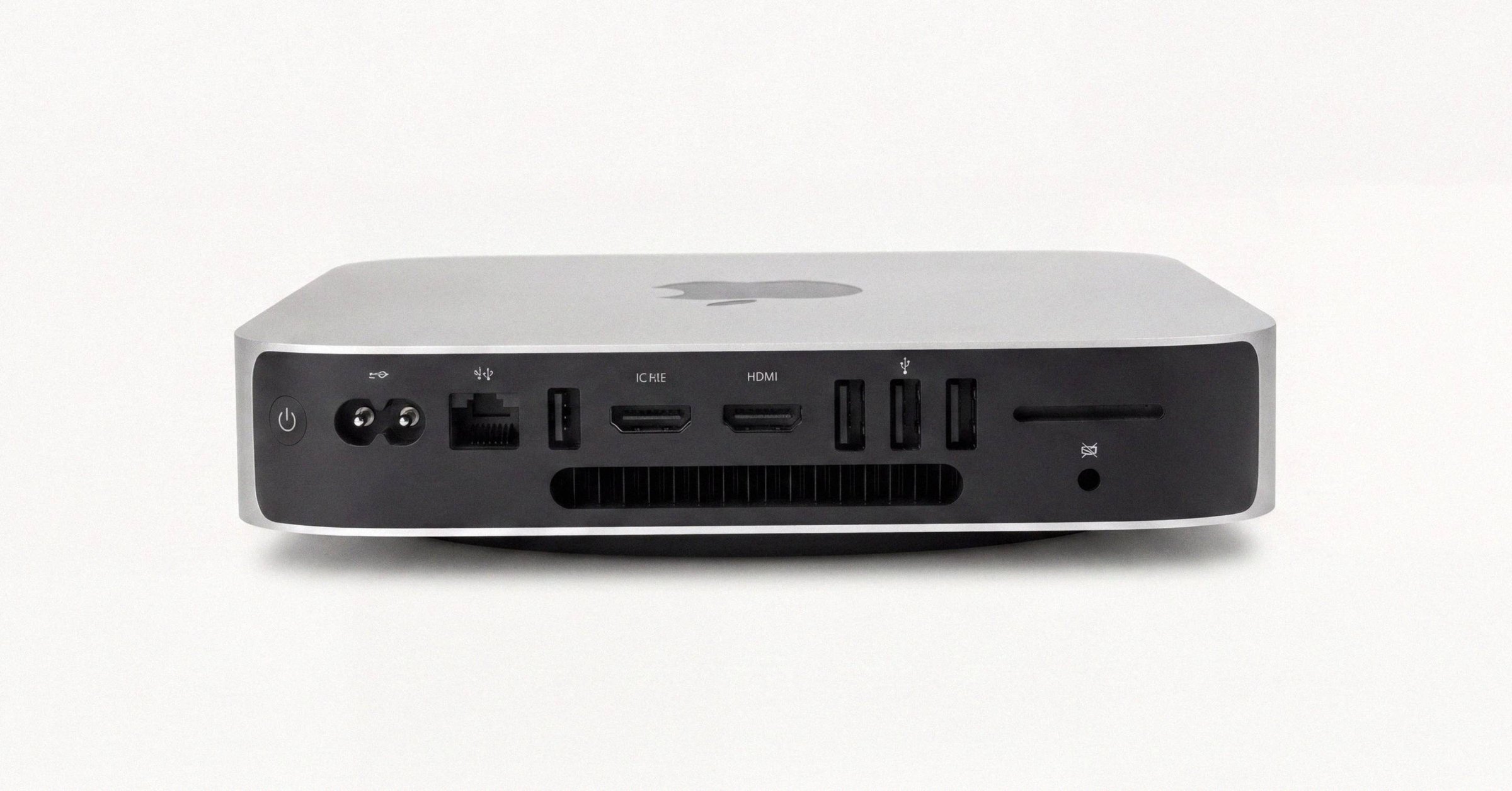
Mac model number lookup: identifying a Mac from its Model ID, A-number, part number or EMC
A Mac model number lookup playbook for when the serial is missing or unreadable: identifying a Mac from its Model Identifier, A-number, Apple part number (including what LL/A and the other region codes mean) or EMC, and combining them into one exact configuration.
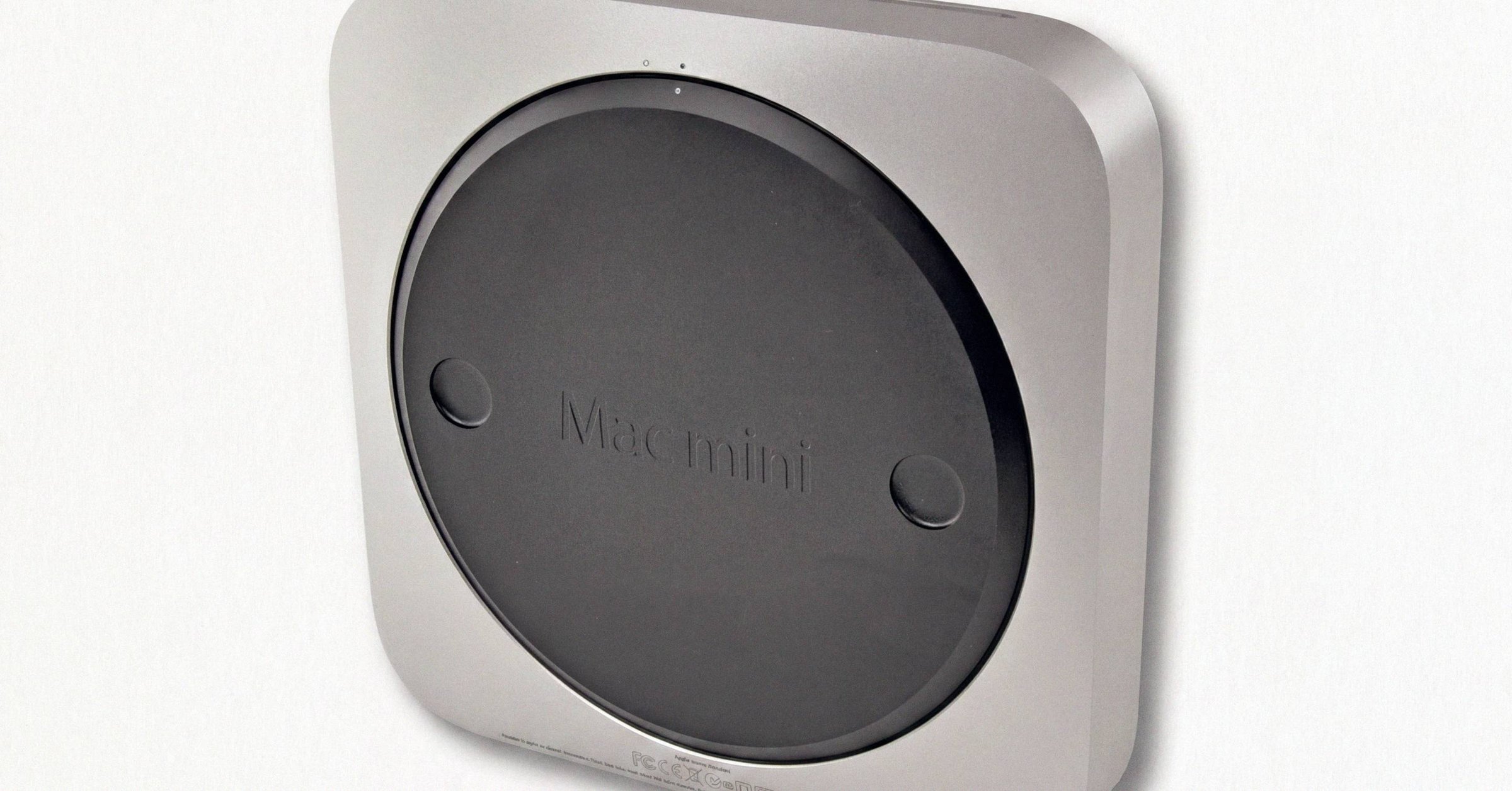
Apple Coverage Check: how it works and what it shows
Apple Coverage Check is the free serial-lookup tool at checkcoverage.apple.com. It returns the exact model, warranty status, and AppleCare standing for any Mac, iPhone, or iPad. The 'Estimated Purchase Date' is the registration date, not the retail date, which catches buyers and sellers both off-guard.