Apple part number decoded: what MNEH3LL/A tells you about a Mac
An Apple part number on a Mac box (MNEH3LL/A and friends) is a SKU: a prefix, a configuration code, a region, and a /A suffix. Here is what each piece tells you, and what it can't.

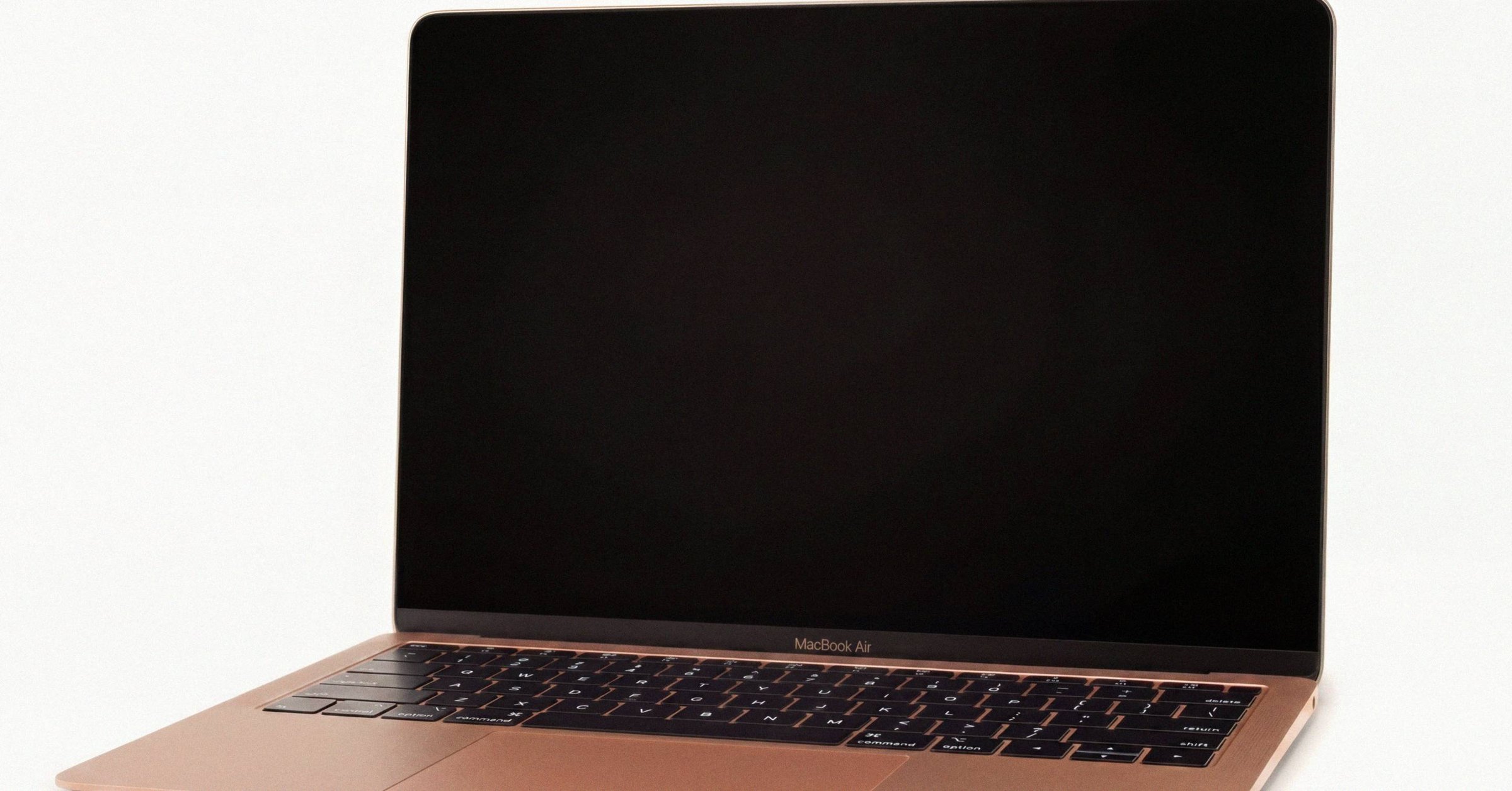
Apple part number decoded: what MNEH3LL/A tells you about a Mac#
An Apple part number like "MNEH3LL/A" on a Mac box is not a serial number. It is a SKU, Apple's internal product code that identifies one configuration of one chassis in one market, not one physical unit. Apple uses three interchangeable names for it: "order number," "part number," and "marketing number." All three refer to the same identifier.
The structure is consistent across every current Mac, iPad, and iPhone:
M  NEH3  LL  /A
│   │     │   │
│   │     │   └── trailing /A (legacy slash-A suffix on all current SKUs)
│   │     └────── region code (LL = USA, B = UK/Ireland, J = Japan, …)
│   └──────────── configuration code (chip + RAM + storage + color)
└───────────────── sale-type prefix (M = new retail, F = refurb, N = service replacement, P = personalized)
Four parts: a sale-type prefix, a configuration code, a region code, and the universal /A suffix. Each carries a different kind of information, and the most common mistakes in resale listings come from treating one as if it were another. The part number sits alongside the serial and Model Identifier as one of Apple's overlapping identifiers; the full Mac serial-number reference covers where each one fits in the hierarchy.
The leading letter: sale-type prefix#
The first character of an Apple order number is the sale-type prefix. The four values that matter:
- M: brand-new retail unit. The vast majority of order numbers in the wild start with M.
- F: Apple Certified Refurbished, sold through Apple's refurbished store or some carriers.
- N: service replacement. A "white box" unit Apple issues as a warranty or AppleCare+ swap when the original device is beyond economical repair.
- P: personalized. A new retail unit that was laser-engraved at purchase.
The M/F/N/P convention is most consistently observed on iPhones and iPads. On Macs it is less reliable: Mac service replacements historically rarely have an N prefix in older eras, as documented in Apple Community discussion 256129784. The safe reading is that the prefix on a Mac order number is suggestive, not definitive. What M, F, N, and P each signal as an Apple order-number prefix goes deeper on the convention's wrinkles.
Two practical implications for buyers:
- Apple Certified Refurbished Macs ship in stark white unmarked boxes, not in standard retail glossy packaging. A device in glossy retail packaging despite an F-prefix order number is not an Apple-certified refurb. It may be a third-party "refurbished" listing using a unit that was originally part of a refurb sale, or simply mismatched packaging.
- An F or N prefix is not bad, but it should be disclosed. Refurbished Apple stock and warranty replacements come from Apple's own pipeline and carry the same coverage. The problem is when a seller hides the prefix or doesn't know to mention it.
The serial-number prefix is a separate identifier and should not be confused with the order-number prefix. An F at the start of a legacy 12-character serial number means manufactured by Foxconn (factory codes F, F1, F2, F7, FC, FK). Millions of brand-new Macs from Foxconn's plants have legitimate serials starting with F. Refurb status lives in the order number, never the serial. The persistent "F means refurbished" myth, debunked covers where the confusion comes from and how to spot a real Apple-Certified-Refurbished box.
The configuration code: chassis, chip, RAM, storage, color#
The four characters following the prefix are the configuration code. These index into Apple's internal SKU database and resolve to a specific permutation of chassis, processor, RAM, storage, and color.
Two examples, fully decoded:
- NEH3 → MacBook Pro (13-inch, M2, 2022), Space Gray, 8 GB / 256 GB
- MK1E3 → MacBook Pro (16-inch, 2021), Space Gray, M1 Pro 10-core CPU / 16-core GPU, 16 GB / 512 GB
The configuration code is the most spec-rich four characters on the box. It collapses six independent attributes (chassis, SoC, RAM tier, storage tier, color, and occasionally bundled accessories) into a single short code. It is also the part you cannot decode by inspection: there is no public algorithm. You look the four-character code up in a catalog.
The two free catalogs that cover this most thoroughly:
- EveryMac's Ultimate Mac Lookup: the deepest free public catalog, returning marketing model, intro and discontinue dates, CPU, GPU, RAM, SSD, ports, original price, EMC number, A-number, Model ID, and order number.
- chipmunk.nl: a quick decoder with daily query limits.
For pre-2021 12-character serial numbers, Apple itself exposes a configuration-code endpoint at https://support-sp.apple.com/sp/product?cc=XXXX that returns an XML payload with the configCode (e.g. "iMac (27-inch, Late 2013)"). The endpoint does not work for post-2021 randomized serials, which carry no configuration code.
Two configuration codes can resolve to the same marketing model if only color or storage differs. NEH3 and a sibling code might both be "MacBook Pro (13-inch, M2, 2022)", but one is the 8GB/256GB unit and the other is a different RAM or storage tier.
The region code: keyboard, adapter, regulatory#
The two letters before /A are the regional/market code. They identify the market the SKU was packaged for, and they control three things: keyboard layout, power adapter shape, and a small number of regulatory features.
| Code | Region |
|---|---|
LL/A | United States |
B/A | United Kingdom / Ireland |
C/A, CL/A | Canada |
D/A | Germany |
J/A | Japan |
CH/A | China (mainland) |
HN/A | India |
X/A | Australia / New Zealand |
ZP/A | Hong Kong / Macau / Singapore (varies by era) |
FN/A | France |
KH/A | South Korea |
BR/A | Brazil |
There is no single Apple-authoritative table of region codes. The most-maintained community references are The Apple Wiki's Model_Region page and various community gists. Codes occasionally migrate between regions across product generations, so the table above is a starting point, not a permanent contract. The expanded region-code reference covers the keyboard, power-adapter, and regulatory implications of each suffix.
The crucial property of the region code, for anyone trying to read a listing: it does not constrain CPU, RAM, or storage spec. A J/A MacBook Pro at config code NEH3 has exactly the same M2 SoC, the same 8 GB of unified memory, and the same 256 GB SSD as an LL/A unit at the same config code. The differences are external: keyboard glyphs (Japanese JIS layout on J/A, AZERTY on FN/A, Hangul on KH/A), power adapter (figure-8 vs flat blade), and regulatory markings on the chassis.
This matters for buyers shopping cross-region. A Japanese-market MacBook Pro is internally identical to a U.S.-market one, with a JIS keyboard. macOS supports every keyboard layout in software regardless of the physical glyphs, so the hardware-software mismatch is purely cosmetic. The power adapter ships with the unit's regional plug; a $20 third-party USB-C adapter solves the rest.
The /A suffix#
Every current Apple SKU ends in /A. It is a legacy trailing suffix carried over from much older Apple part-number conventions and conveys no information about the configuration. Strip it for any database lookup that doesn't expect it; preserve it if you're copying a label verbatim.
CTO and BTO: the Z-prefix exception#
Custom-configured Macs (built to order through Apple's online store with non-standard RAM, storage, or chip configurations) often carry a "Z-identifier" part number instead of the standard retail SKU. Example: Z18L000SW.
Z-numbers do not follow the [prefix][config][region]/A structure. They encode the chosen configuration directly. On post-2021 hardware, the Z-number is sometimes the most spec-revealing identifier on a CTO unit, because the randomized serial carries no spec data at all and the standard retail SKU doesn't exist for non-standard configurations. The base model behind that randomized serial is still one query away in the Macfax serial lookup; the Z-number then tells you the CTO deltas on top.
For sellers of CTO Macs: list the Z-number alongside the Model Identifier so buyers can verify the exact build. For buyers: a Z-number is not a red flag. It just means the unit was customized at purchase, and EveryMac or similar catalogs can usually resolve it. How to identify a CTO/BTO Mac from its Z-style part number covers the Z-number structure in detail.
Order number vs serial number vs Model Identifier#
The biggest source of confusion in resale listings is treating these three identifiers as interchangeable. They are not. They sit at different levels of granularity:
- Order number (e.g.
MNEH3LL/A) identifies one SKU: one chassis + chip + RAM + storage + color + region permutation. Two units off the same assembly line on the same day have the same order number. - Serial number (e.g.
C02XG...JG5JorH7KX4N2P9Q) identifies one physical unit. Two units off the same line on the same day have different serials. - Model Identifier (e.g.
Mac14,7) identifies one hardware platform: one SoC variant. Coarser than the order number, finer than the A-number.
For verification purposes, the order number is what you cross-check against EveryMac to confirm a unit's claimed config. The serial number is what you enter into checkcoverage.apple.com to verify warranty and registration status. The Model Identifier is what system_profiler SPHardwareDataType returns from the running Mac itself.
A complete identifier set on a listing looks like: serial number (or partially-redacted form), order number (MNEH3LL/A style), and Model Identifier (Mac14,7 style). Those three unambiguously identify almost any Mac built since 2010.
What this means for buyers and sellers#
If you're listing a Mac for sale, put the order number in the listing alongside the serial number and the Model Identifier. The order number is the single piece of metadata that confirms the original retail configuration (chassis, SoC, RAM, storage, color) in one short string. It is faster to verify than a long spec line and harder to fake, because EveryMac and chipmunk.nl will refuse to resolve a fabricated code.
If you're buying, decode the order number before sending money. The four-character config code tells you what configuration was shipped from the factory. Cross-reference it against the seller's description: if the listing says "16 GB RAM" but NEH3 resolves to an 8 GB unit, something is wrong. The mismatch is more often clumsy copy-paste than fraud, but either way you want to know before paying.
The order number does not tell you the unit's history. It does not tell you whether the SSD has been swapped, whether the logic board has been replaced, whether the unit was dropped or liquid-damaged, or who currently owns it. For history, you need the serial number, and even then most of that data lives in Apple's internal Global Service Exchange portal, accessible only to Apple Stores and Authorized Service Providers. The order number is the spec confirmation; everything else is a separate question.
Have a serial in front of you? The Macfax lookup reads the model, year and configuration, and shows what Apple's own tools leave out.
Related posts
MacBook serial number lookup: the best third-party Mac decoders compared
MacBook serial number lookup tools that go beyond Apple's Check Coverage: a working survey of EveryMac, Chipmunk, Beetstech, Techable, AppleDB, The Apple Wiki, and Mactracker. What each returns, and which still work on post-2021 randomized serials.
Apple serial number decoder: the hidden XML endpoint for legacy Mac serials
Apple's own undocumented serial number decoder lives at support-sp.apple.com and resolves the 4-character configuration code on any pre-2021 Mac serial to a marketing model name. Here's how to use it, and where its limits are.
LL/A meaning on a Mac: how Apple region codes work and what they don't change
The LL/A, B/A, J/A suffix on a Mac part number identifies the market the unit was packaged for. It encodes keyboard layout, power adapter, and a few regulatory bits. It does not change the chip, RAM, or storage.
Written by
Marcus WilliamsMarcus Williams covers Mac hardware and repair for Macfax. He spent six years on the bench at an Apple Authorized Service Provider in the Pacific Northwest before going independent, most of that time on logic-board repair, display assembly swaps, and the failure patterns Apple's diagnostics don't surface. He writes about what's inside a Mac, what breaks first, and what a serial number can and can't tell you about a unit's history.
More posts by Marcus →