Verify your Mac.
Run a free Macfax report in under a minute. Identity, authenticity, spec match, hardware health. Attach your listing when the report is live and it carries the badge on the Macfax shelf.
Notarized by Apple. Read-only. Local.
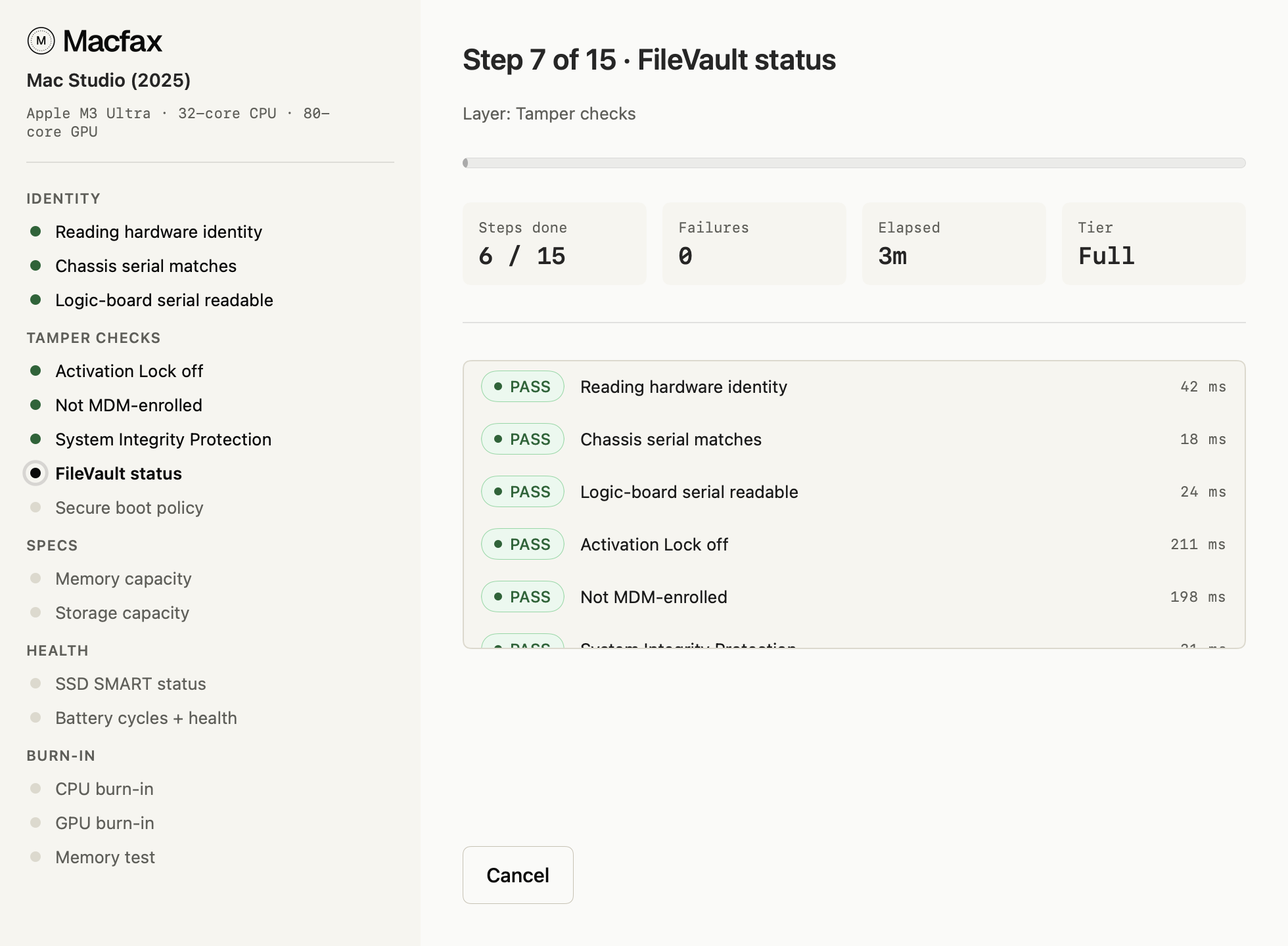
Every Macfax build is signed with a Developer ID certificate and notarized by Apple before release. Gatekeeper validates it on first launch without prompting for any overrides. The app reads diagnostic data through standard macOS interfaces; it does not modify your system, install kernel extensions, or upload anything beyond the signed payload at publish time.
You can inspect the notarization status with spctl -a -vv /Applications/Macfax.app after install.
Local isn't only about privacy. The report can be trusted because the app measured this Mac from the inside and bound the signed result to it, something no website can do from the outside.
About this download.
Why do I need an app? Can't I just verify on the website?
The check has to run on the Mac itself. A website can only record what someone types in; the app reads the real hardware and signs the result on the device, so the report reflects the actual machine instead of a claim. That on-device read is what lets a buyer trust the badge rather than take the seller's word.
What does Macfax read from my Mac?
Device identifiers (model, serial, chassis serial, logic-board serial), SMART data, battery cycle count, system_profiler output. Nothing is uploaded during the preview; the signed payload only goes out at publish time.
What macOS versions are supported?
Apple Silicon Macs (M1 or later) on macOS 14 or newer. Intel Macs are not supported; they lack the Secure Enclave primitives the diagnostic relies on.
Will it ask for sensitive permissions?
It uses standard macOS diagnostic interfaces. No kernel extensions, no full-disk access prompt. The first launch asks macOS to confirm an internet-downloaded app, which is normal.
Free to run, every time.
The report covers identity, authenticity, spec match and hardware health, and publishes a device binding a buyer can re-verify when the Mac arrives. Re-run it on the same Mac whenever you want a fresher date; the URL does not change.
See how it works for the cryptographic detail.