Apple serial number check: the complete guide to looking up a Mac
How to find a Mac's serial number on any Mac, whether it starts up or not, and how to look it up: what the serial identifies, what Apple's Check Coverage and the Macfax lookup each return, and the checks buyers, sellers and IT teams run with it.

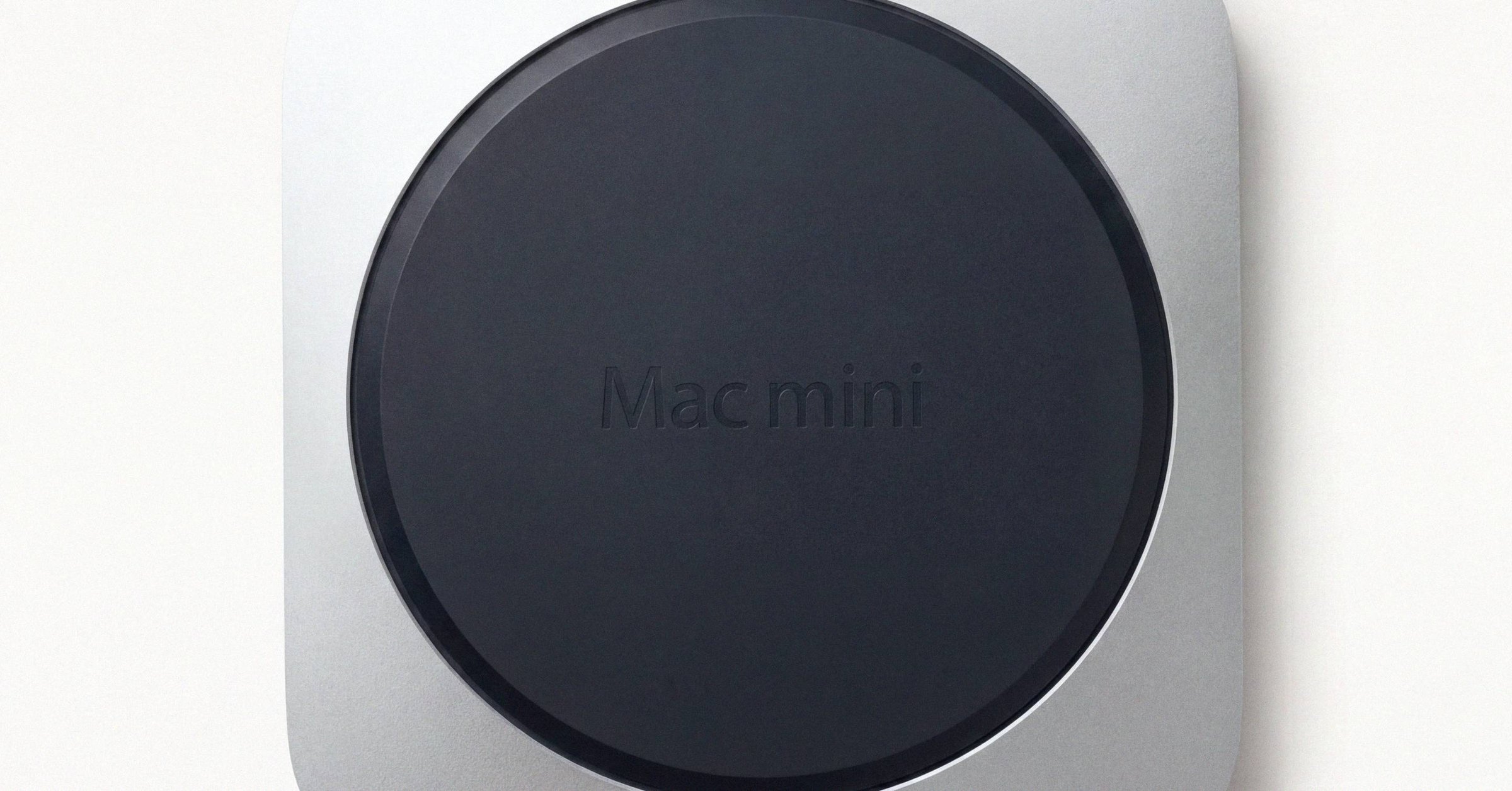
Apple serial number check: the complete guide to looking up a Mac#
A Mac's serial number identifies one physical machine. Every other identifier Apple uses (the Model Identifier, the A-number, the order number, the EMC) describes a class of hardware at some level of detail, and mixing them up is the single most common mistake in listings, repair orders and support calls. The serial is the one Apple's warranty systems treat as authoritative for an individual device, which is why it is the thing to look up.
This guide covers where to find the serial on every Mac, whether it starts up or not, how to look it up, and what each lookup can and cannot tell you. For what the characters themselves mean, see the Apple serial number decoder guide. For identifying a Mac when the serial is missing or unreadable, see the Mac model number lookup guide.
What a Mac serial number identifies#
Each Apple identifier sits at a different level of detail. Knowing which one you are holding decides which lookup will work.
| Identifier | Example | Identifies |
|---|---|---|
| Serial number | C02XG...JG5J (12 characters) or H7KX4N2P9Q (10 characters) | One physical unit |
| Model Identifier | MacBookPro18,3, Mac14,7 | One hardware platform (one chip variant) |
| A-number | A2338, A2442 | One chassis, often across several years and chips |
| Order or part number | MNEH3LL/A | One retail configuration in one market |
| EMC number | EMC 3601 | One logic-board electrical revision |
| Hardware UUID | random per device | The running system, not the chassis |
Only the serial is per unit. Two Macs built on the same line on the same day share a Model Identifier, an A-number and an order number, and they never share a serial.
Mac serials come in three formats. Macs from before 2010 carry 11 characters, Macs from 2010 to early 2021 carry 12, and Macs since 2021 carry a randomized 10-character serial whose characters encode nothing. The older two formats can be read character by character; the newer one has to be looked up. The decoder guide walks all three.
Where to find a Mac's serial number#
Apple's own references are Find your Mac model name and serial number and Find the serial number of your Apple product. In practice there are four places to look on a Mac that starts up, three on one that does not, and three more when the Mac is not in front of you.
On a Mac that starts up#
Apple menu → About This Mac. The quickest path. The window shows the marketing model name (for example, "MacBook Pro (14-inch, M3 Pro, 2023)"), the chip, the memory and the serial number. The layout has changed across macOS releases, and the serial has always been on the first panel.
System Settings → General → About. Scroll to the lower block for the serial number, the Hardware UUID, the Provisioning UDID on Apple silicon, and the Model Identifier (MacBookPro18,3 in the older style, Mac14,7 from the M2 generation on). The Model Identifier exists only in software and is never etched on the chassis, so this is the place to read it.
System Information. Hold Option and click the Apple menu, and About This Mac becomes System Information; select Hardware in the sidebar. The menu bar holds a useful trick: File → Speak Serial Number (⌘-4) reads the serial aloud one character at a time, which settles a worn etching without squinting.
Terminal. One command returns the serial and every identifier around it:
system_profiler SPHardwareDataType
Lightly trimmed, the output looks like this:
Hardware Overview:

  Model Name: MacBook Pro
  Model Identifier: Mac14,7
  Model Number: MNEH3LL/A
  Chip: Apple M2
  Memory: 8 GB
  Serial Number (system): H7KX4N2P9Q
  Hardware UUID: 12345678-ABCD-EFAB-CDEF-1234567890AB
  Activation Lock Status: Enabled
That one block carries the marketing name, the Model Identifier, the order number (on Macs that report it), the chip, the memory, the serial and the Activation Lock status. To copy just the serial to the clipboard:
system_profiler SPHardwareDataType | awk -F': ' '/Serial Number/ {print $2}' | pbcopy
If you are buying a used Mac, ask the seller to paste this block into the conversation. It answers most configuration questions in one message, and the Activation Lock line is the one to read before paying.
On a Mac that won't start up#
macOS Recovery. On an Intel Mac, hold Command-R at power on. On Apple silicon, press and hold the power button until "Loading startup options" appears, then choose Options. From the Recovery menu bar open Utilities → Terminal and run:
ioreg -l | grep IOPlatformSerialNumber
Apple suggests this command for exactly this case, since the full system_profiler output is not always available in Recovery.
Etched on the chassis. Every Mac carries its serial in small laser-etched text:
| Mac | Where the serial is etched |
|---|---|
| MacBook Pro and MacBook Air | Underside of the case, near the regulatory markings |
| iMac | Underside of the stand (tilt the display forward) |
| Mac mini | Underside of the case |
| Mac Studio | Underside of the case |
| Mac Pro (2013 cylinder) | Bottom of the cylinder |
| Mac Pro (2019 and 2023, tower and rack) | Back panel and underside |
Each family page above shows where the serial sits on that chassis and lists every model with its identifiers. The etching is light gray and about 1.5 to 2 mm tall. The common misreads on anodized aluminum are 8 and B, 0 and D or Q, 1 and 7, 5 and S. A phone camera in macro mode with light raking across the surface usually settles it.
On the box. The original packaging carries the serial on its label. A barcode scan of an Apple box often shows a leading S before the serial. Apple's own note on this is plain: the leading S is not part of the serial number. It is a barcode marker that means "a serial follows" (a P marks a part number the same way). Drop it before any lookup, because with it a 10-character serial reads as an 11-character one from a much older format.
When the Mac isn't in front of you#
Your Apple Account. Sign in at account.apple.com and open Devices. Every Mac, iPad and iPhone on the account is listed with its model name, serial number and warranty details. This is the cleanest source for a Mac that was lost, stolen, sold or will not power on.
Receipts and invoices. Apple's order emails do not always show the serial, but printed receipts, packing slips and reseller invoices usually do.
Device management. Apple Business Manager, Apple School Manager, Apple Configurator and MDM platforms (Jamf, Kandji, Mosyle, Intune) report the serial of every enrolled device on check-in.
Across a fleet#
For dozens or thousands of Macs, no one should log in to each machine. The osquery system_info table returns the serial, model, chip and memory across every enrolled Mac in one query, and every MDM console lists serials for enrolled devices. Once the serials are in a spreadsheet, the Macfax bulk lookup identifies the whole list in one run and hands back a CSV with the model and year for each.
How to look up a Mac by serial number#
A MacBook serial number lookup works the same way as any other Mac's, and so does an iMac's or a Mac mini's. Which lookup to use depends on the question you are asking.
The Macfax serial lookup#
The Macfax serial lookup takes any Mac serial (10, 11 or 12 characters) and returns the exact model, Apple's device class and the model year where Apple's model name carries one, including the 2021 and later serials whose characters encode nothing a decoder can read. For a Mac it also shows what that model sells for today, and for every serial it shows what Macfax has seen of that device: when the serial was first looked up, roughly how often, and any listing or verified report on file. It is free, needs no account and has no captcha.
The same lookup identifies iPad and iPhone serials. It is not a warranty source: coverage status lives with Apple, next.
Apple Check Coverage#
checkcoverage.apple.com is Apple's own lookup. Enter the serial, complete the captcha, and Apple returns:
- The marketing model name, such as "MacBook Pro (13-inch, M2, 2022)".
- A purchase date, or a note that one has not been validated.
- Limited warranty status.
- AppleCare or AppleCare+ status, if the Mac is enrolled.
- Phone support eligibility.
Check Coverage does not show the original price, the retailer, the exact chip, memory and storage configuration, repair history or the current owner. The purchase date it shows is usually the activation date, not the day the Mac left the store; a Mac that sat in a retailer's stock can read days or weeks late, and Apple Support can correct it from a dated receipt. For a specific country, use that country's path, for example checkcoverage.apple.com/jp/ja/ for Japan.
Apple's "Identify your Mac" pages#
For every Mac family, Apple keeps a support page listing each released model with its Model Identifier, part numbers, colors and newest compatible macOS:
- MacBook Pro: support.apple.com/en-us/108052
- MacBook Air: support.apple.com/en-us/102869
- iMac: support.apple.com/en-us/108054
- Mac mini: support.apple.com/en-us/102852
- Mac Studio: support.apple.com/en-us/102231
- Mac Pro: support.apple.com/en-us/102887
These take the identifiers a serial lookup returns and give you the full specification behind them.
Reference catalogs and character decoders#
Two kinds of third-party tool come up in any search for a Mac serial lookup.
Character decoders read the structure of an 11- or 12-character serial: factory, year, week and configuration code. They work only on Macs from before 2021. On a 10-character randomized serial there is nothing for them to read, and a decoder that returns a factory or a date for one is guessing.
Reference catalogs work from identifiers rather than serials. AppleDB and The Apple Wiki publish open tables of every Model Identifier, A-number and board ID, which makes them the right tools when you have an identifier and need the device behind it. Mactracker, a free app for macOS and iOS, carries the full history of every Apple model offline, with photographs. Pair any of them with a serial lookup: the lookup gives you the identifiers, and the catalogs give you everything Apple ever published about them.
GSX and "GSX lookup" sites#
GSX, Apple's Global Service Exchange, is the internal portal Apple Stores and Apple Authorized Service Providers use to look up warranty status, the configuration at sale, repair history and parts eligibility from a serial. It is not open to the public. Sites that advertise GSX-level data to consumers are, as a rule, scraping a stale copy or using credentials that will not last. If you need that history, call Apple Support with the serial or take the Mac to an Apple Store or service provider.
Reading the result#
"This serial number isn't valid." In rough order of likelihood: a typo or misread (Apple uses the digits 0 and 1 and never the letters O and I, so what looks like an O is a zero); a leading S from a box barcode; a brand-new Mac whose record has not propagated yet (allow a day or two); a counterfeit or cloned unit; a record flagged after a loss or theft report; a regional restriction on Check Coverage (try the country path); or a short lag after a logic-board repair.
The model does not match the listing. Stop and ask. A mismatch is more often careless copying than fraud, but either way the listing is not describing the Mac that serial belongs to.
The serial in About This Mac does not match the one on the case. The logic board has been replaced at some point, and the re-serialization either did not happen or did not land cleanly. What happens to a Mac's serial after a logic-board swap explains why and what to ask.
A serial proves that a device exists, not that the seller has it. Anyone can copy a serial from another listing or a photo. To bind the serial to the machine actually being sold, ask the seller for a Macfax report: the report is signed on the Mac itself.
Checks by role#
Buying. Run the serial through the Macfax lookup and Check Coverage before sending money. The model returned should match the listing, and the warranty status should match what the seller claims. Ask for the order number too: it confirms the configuration the Mac shipped with, and its first letter says whether the unit was sold new (M), as an Apple Certified Refurbished unit (F) or as a service replacement (N). An F at the start of an older serial means something else entirely, a Foxconn factory code, so read refurbished status from the order number only. On Intel Macs that reuse a chassis across years, the EMC number on the underside is what separates the revisions; the A1278 MacBook Pro is the textbook case.
Selling. List the serial (or a partial one: the first three and last four characters), the order number in MNEH3LL/A form and the Model Identifier. Together they identify any Mac built since 2010 without ambiguity. Add the EMC for Intel Macs from before 2018, and the Z-style part number for a custom-configured Mac, which on recent hardware says more about the configuration than the serial does. The Mac model number lookup guide shows how each of these is read.
Calling support. Apple Support and service providers need only the serial. Have it ready from system_profiler SPHardwareDataType, or for a Mac that will not start, from the case, the box, your Apple Account or Recovery's Terminal.
Running an inventory. Pull serials from your MDM or osquery, then resolve the whole list with the bulk lookup rather than one serial at a time. Keep the order number where you have it: on 2021 and later Macs, the serial says nothing about the configuration by itself.
Old Macs can often be read from the serial alone. New Macs have to be looked up. Either way, the serial is where the record of a Mac starts.
Have a serial in front of you? The Macfax lookup reads the model, year and configuration, and shows what Apple's own tools leave out.
Related posts
Apple serial number decoder: how to read a Mac serial and its manufacture date
An Apple serial number decoder for every Mac serial format: the 11-character serials from before 2010, the 12-character serials from 2010 to 2021 with a worked example and the manufacture date they carry, and what changed with the randomized serials Apple has issued since 2021.
Mac model number lookup: identifying a Mac from its Model ID, A-number, part number or EMC
A Mac model number lookup playbook for when the serial is missing or unreadable: identifying a Mac from its Model Identifier, A-number, Apple part number (including what LL/A and the other region codes mean) or EMC, and combining them into one exact configuration.
A1278 MacBook Pro: how to tell which year you actually have
The A1278 13-inch MacBook Pro chassis shipped from late 2008 through mid-2012. Externally identical year to year, internally five different logic boards spanning two Intel socket transitions. The EMC number is the only clean way to tell them apart.
Written by
Marcus WilliamsMarcus Williams covers Mac hardware and repair for Macfax. He spent six years on the bench at an Apple Authorized Service Provider in the Pacific Northwest before going independent, most of that time on logic-board repair, display assembly swaps, and the failure patterns Apple's diagnostics don't surface. He writes about what's inside a Mac, what breaks first, and what a serial number can and can't tell you about a unit's history.
More posts by Marcus →