What is unified memory on a Mac: UMA, Dynamic Caching, and why RAM is non-upgradeable
Unified memory on a Mac, explained. Apple Silicon's UMA puts CPU, GPU, Neural Engine, and Secure Enclave on one LPDDR pool packaged onto the SoC substrate. That single design choice explains why Mac RAM cannot be upgraded, and why M3's Dynamic Caching is a bigger deal than it sounds.

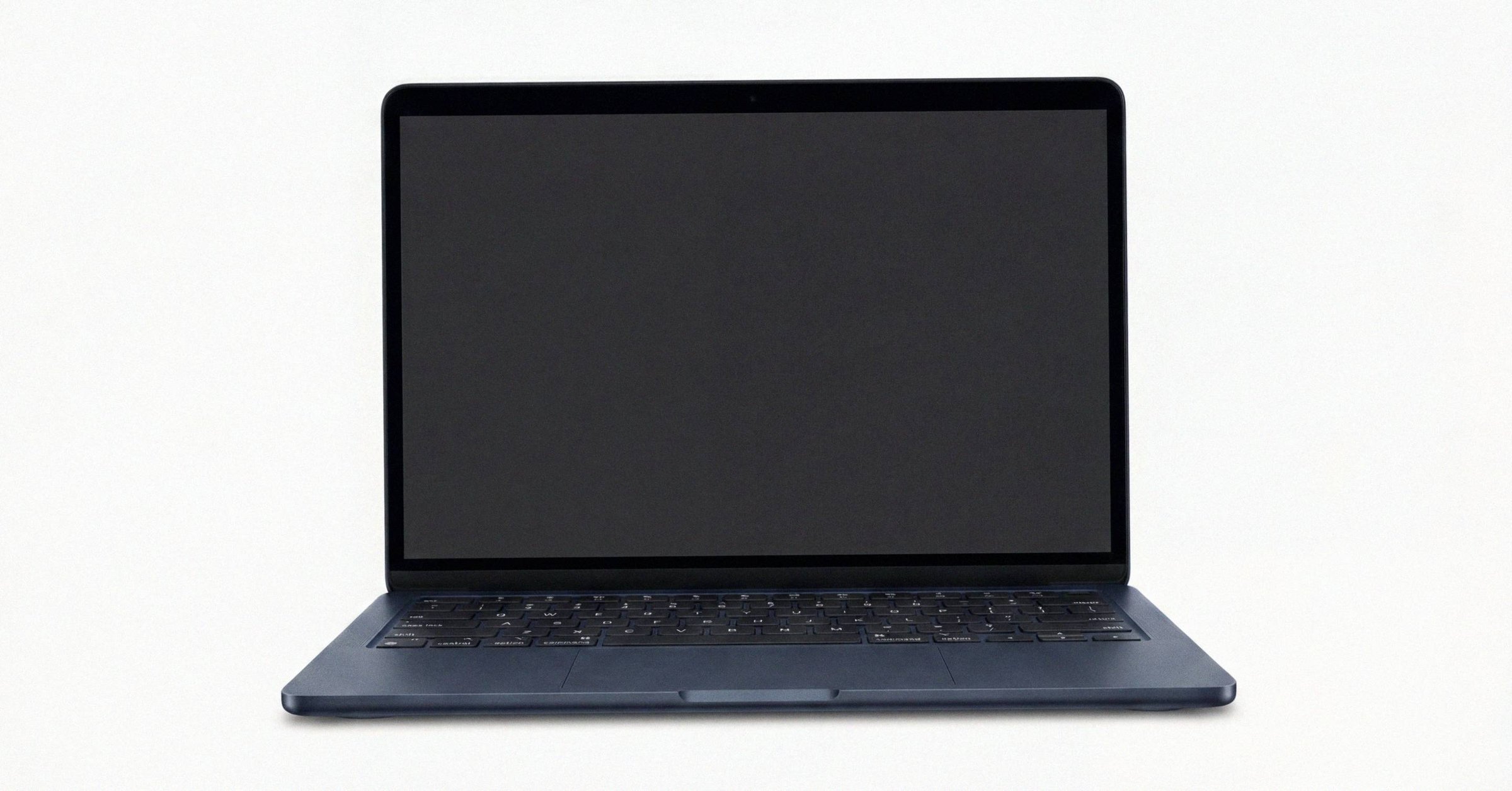
Apple Silicon's Unified Memory Architecture (UMA) is the most often misunderstood part of the modern Mac platform. It is not a brand name for "shared RAM." It is the specific reason CPU, GPU, Neural Engine, and Secure Enclave all read the same physical LPDDR pool, and the specific reason that pool cannot be upgraded after the fact.
This post walks through what UMA actually is in hardware, what changes with the M3 generation's Dynamic Caching addition, and what it means for anyone buying a Mac. The broader reference on Apple Silicon Mac hardware covers the rest of the M-series template; this one zooms in on memory.
What "unified memory" means in hardware#
On a conventional PC architecture, system memory lives in DIMM slots on the motherboard, controlled by an integrated memory controller in the CPU. The GPU, if discrete, has its own separate memory (typically GDDR6 or GDDR6X) soldered to the graphics card. Copying a buffer from system memory to GPU memory crosses the PCIe bus, with overhead measured in microseconds per transfer.
On Apple Silicon, the LPDDR4X packages (M1 family) or LPDDR5/5X packages (M2 and later) are mounted directly onto the SoC substrate. They are part of the same system-in-package as the CPU cores, GPU, Neural Engine, media engines, and Secure Enclave Processor. A single memory controller on the SoC serves a single homogeneous pool. Every compute block in the chip addresses the same physical DRAM.
The Apple Platform Security guide (support.apple.com/guide/security) describes this directly when it explains the Secure Enclave's memory protection setup. The SEP has no general-purpose RAM of its own; it operates within a dedicated region of main system DRAM allocated by iBoot at boot time, with its writes cryptographically protected by the Memory Protection Engine. CPU, GPU, Neural Engine, and SEP all live in the same physical pool. Isolation between them is enforced cryptographically and at the hardware level, not by giving each one separate silicon. The SEP boot chain and Memory Protection Engine covers the Enclave's own DRAM isolation in detail.
Why Mac RAM is not upgradeable#
This is the engineering answer to a question a lot of buyers ask. Mac memory is not non-upgradeable because Apple decided to glue it down. It is non-upgradeable because the LPDDR is physically and electrically part of the SoC carrier.
There is no DIMM slot to replace. There is no socket to access. The DRAM is on the chip package, with package-on-package bonding that connects it directly to the memory controller on the SoC. A third-party "RAM upgrade" would require replacing the entire SoC package, which is not a service procedure and would, in practice, be replacing the logic board.
This is true for every Apple Silicon Mac, from the M1 MacBook Air to the M3 Ultra Mac Studio. The unified memory ceiling is set at order time and cannot change.
The performance consequence: no PCIe copy#
On a discrete-GPU system, a graphics workload typically maintains two copies of large buffers. One copy lives in system RAM where the CPU touches it; the other lives in VRAM where the GPU touches it. The two copies are synchronized across the PCIe bus, with overhead that grows with buffer size and update frequency.
On Apple Silicon, that copy step does not exist. The GPU and CPU read the same physical pages. The Metal API still exposes buffer semantics for portability, but underneath, "copying" a buffer to GPU memory is typically a metadata operation, not a real data move.
For local LLM inference, this is the reason a Mac Studio with 192 GB of unified memory can run models that a 24 GB discrete GPU cannot, even when the desktop GPU is individually faster on a token-by-token basis. The model and the KV cache live in unified memory; the GPU and Neural Engine read them in place.
Dynamic Caching, introduced with M3#
Conventional GPUs allocate on-chip resources to shaders statically at compile time. The compiler examines the shader, computes the maximum hardware registers, threadgroup memory, and stack space it could need in the worst case, and reserves that amount for every invocation. If the actual execution path uses less than the worst case, the unused slots sit empty for the duration of the shader.
Starting with the M3 family, Apple's GPU implements Dynamic Caching: the GPU allocates registers, threadgroup memory, and stack space to executing shaders on demand, rather than reserving worst-case at compile time. Apple's M3 announcement describes Dynamic Caching as the most significant GPU architectural shift in the M-series to date.
The practical effect is a smaller effective memory footprint for heavy rendering and compute workloads, and tighter occupancy on the GPU. Where a static allocation might leave half of a thread's register file unused, dynamic allocation can keep more threads in flight on the same physical resources.
Dynamic Caching arrived alongside two other M3 GPU features that are worth naming: hardware-accelerated ray tracing, and mesh shading. They are independent additions; Dynamic Caching is the one that touches every workload, not only ray-tracing pipelines.
What changes with later generations#
Dynamic Caching carries forward to M4 and M5. The unified memory ceiling has moved over time: M1 topped out at 16 GB on the base die, the M3 Max reached 128 GB on a single die, the M3 Ultra (March 2025) tops out at 512 GB by bridging two Max dies with the UltraFusion interposer, and the M4 Max in current MacBook Pros and Mac Studio reaches 128 GB on the binned config or 546 GB/s of memory bandwidth on the top SKU. The M1-to-M5 generation comparison has the full memory-tier table by chip; the UltraFusion bonding of two Max dies into one Ultra SoC covers how the Ultra-tier ceiling doubles the Max.
What does not change is the architecture. CPU, GPU, Neural Engine, media engines, and the Secure Enclave all share the on-package LPDDR pool. The "unified" in unified memory is not branding; it is a description of how the silicon is laid out.
What this means if you're buying a Mac#
The unified-memory ceiling you order is the unified-memory ceiling you keep. There is no aftermarket fix. There is no third-party shop that can install more. The same physical constraint shows up on the resale side: used Mac prices in 2026 reward higher unified-memory configurations because nobody can upgrade them after the fact.
For workloads that are memory-pressured (heavy multitasking, Xcode + Docker, virtualization, local LLM inference), the memory tier is the single most consequential spec at order time, more so than the chip tier or the storage tier. A base M4 with 16 GB will outperform a maxed-out M3 Max with 36 GB on workloads that exceed 36 GB of working set, because the M3 Max will start swapping while the M4 stays in RAM. Conversely, an M3 Max with 128 GB will run inference workloads that no M4 base config can touch, regardless of the M4's per-core advantages.
The two architectural facts to take away: the LPDDR is part of the SoC carrier (so order the memory you need), and the GPU shares the same pool as the CPU (so memory tier matters at least as much for graphics and ML work as it does for general multitasking).
Related posts
The used Mac market in 2026: sizing, channels, and the AI demand layer
The used Mac market in 2026 has split into two economies: commodity M1/M2 MacBook Airs at $300-$600, and high-RAM Apple Silicon desktops trading like used enterprise GPUs. Sizing, channels, depreciation curves, and the AI demand layer through May.
How to use Apple Diagnostics: invocation, ADP000, and what to do next
Apple Diagnostics returns one of two things: ADP000 (no issues found) or a three-letter-plus-three-digit code. ADP000 is shallow by design. Here's how to read the result, when to rerun, and which third-party tool fills which gap.
Mac Startup Security Utility: Secure Boot levels on T2 and Apple silicon
Startup Security Utility on a Mac is the Recovery-only panel that exposes the Secure Boot policy. T2 Macs configure one system-wide level (Full / Medium / No Security). Apple silicon Macs configure per-volume LocalPolicy (Full / Reduced / Permissive). Activation Lock only engages at Full.
Written by
Marcus WilliamsMarcus Williams covers Mac hardware and repair for Macfax. He spent six years on the bench at an Apple Authorized Service Provider in the Pacific Northwest before going independent, most of that time on logic-board repair, display assembly swaps, and the failure patterns Apple's diagnostics don't surface. He writes about what's inside a Mac, what breaks first, and what a serial number can and can't tell you about a unit's history.
More posts by Marcus →