Apple Z part number on a CTO Mac: how to read the build-to-order code
Custom-configured Macs ship with a Z-prefix Apple part number (e.g. Z18L000SW) instead of the standard MNEH3LL/A retail SKU. On a post-2021 randomized serial, the Z-number is often the only identifier on the unit that still encodes the original build.

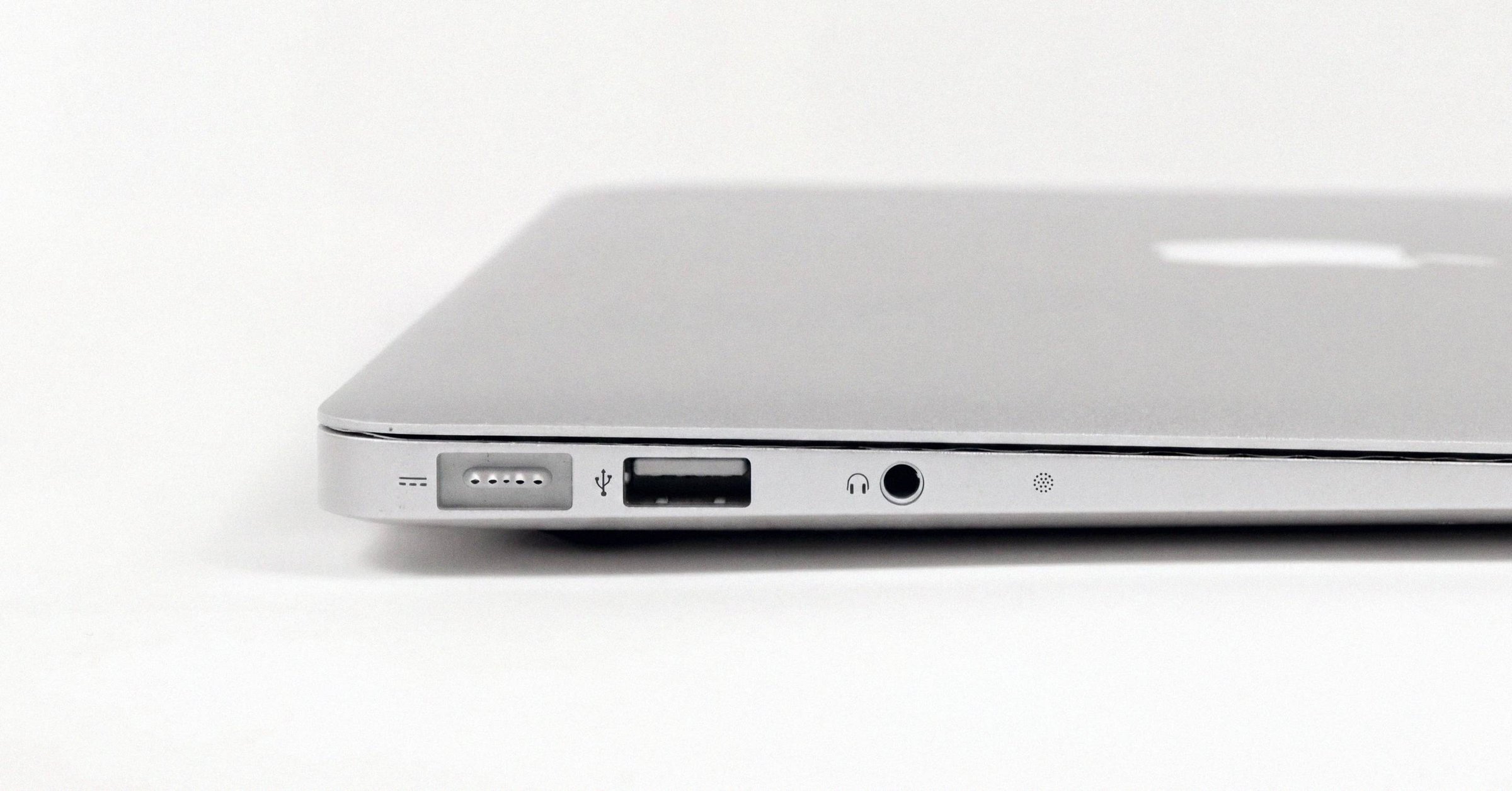
Apple Z part number on a CTO Mac: how to read the build-to-order code#
A Mac that was customized at purchase (extra RAM, larger SSD, an M-series chip tier above the stocking config) usually doesn't carry the kind of part number on the box you'd find in a retail comparison guide. Instead of MNEH3LL/A or MK1E3LL/A, the label reads something like Z18L000SW. That Z prefix marks the Apple part number as configured-to-order or built-to-order, and the rest of the string encodes the custom build directly. The MNEH3LL/A retail-SKU walkthrough is the corresponding reference for stocking configurations.
On Macs shipped from early 2021 onward (the randomized-serial era), the Z-number is often the most spec-revealing identifier physically on the unit. The serial number can't tell you what chip, how much RAM, or which storage tier the device shipped with. The Z-number can. For the broader identifier landscape (serial vs Model Identifier vs A-number vs Z-number), see the Mac identifier reference.
What CTO and BTO mean here#
Apple uses "CTO" (configure-to-order) and "BTO" (build-to-order) interchangeably. Both refer to the same thing: a Mac assembled with a non-standard configuration after the customer placed the order through Apple's online store, an Apple-authorized reseller, or the Apple corporate or education channel.
Most Macs Apple sells are stocking configurations. These are the handful of pre-built SKUs Apple keeps in retail inventory (a few RAM tiers, a few storage tiers, a few chip variants) designed to cover the bulk of demand without proliferating SKUs past what the supply chain can handle. Stocking units get a standard retail SKU: M prefix, four-character config code, region code, /A suffix. MNEH3LL/A is a stocking SKU. So is MK1E3LL/A.
Configurations outside the stocking set (bumped RAM, larger SSDs, non-default chip variants, certain GPU-core counts on the Pro/Max chips, niche power-adapter pairings) don't have their own retail SKU. There would be too many to keep track of. Instead, Apple assigns them a Z-identifier for that specific custom build, and the part number on the box reads Z + 7 or 8 alphanumeric characters.
Anatomy of a Z-number#
A retail SKU like MNEH3LL/A decomposes cleanly:
M  NEH3  LL  /A
│   │     │   │
│   │     │   └── trailing /A
│   │     └────── region (LL = US, B = UK, J = Japan, …)
│   └──────────── 4-char configuration code
└───────────────── sale-type prefix (M = new retail, …)
A Z-number does not. There is no prefix-config-region structure. The Z is the signal that this is a CTO part number, and the trailing characters together encode the chosen configuration: chassis family, processor variant (M1 vs M1 Pro vs M1 Max, or which exact GPU-core count on the Pro/Max), RAM tier, storage tier, and on some SKUs the bundled power adapter or color.
Apple has never published the encoding rules. Z-numbers are resolved by lookup, not by parsing. They index into Apple's internal SKU table the same way retail config codes do, but they don't carry a region segment because the customization happens at order placement and the region is recorded separately on the invoice.
A worked example. Z-number Z15J000DJ might resolve to a 14-inch MacBook Pro (2021) with M1 Max 10-core CPU / 32-core GPU, 64 GB unified memory, 4 TB SSD. The "equivalent" stocking SKU for the base 14-inch MBP M1 Max is MKGT3LL/A (10-core CPU / 32-core GPU, 32 GB, 1 TB), but the customized 64 GB / 4 TB build doesn't have an MxxxxLL/A-style retail SKU at all. It exists only as the Z-number for that custom configuration.
Why Z-numbers matter on post-2021 hardware#
Through early 2021, Mac serial numbers were structured 12-character strings. Positions 1-3 encoded the manufacturing factory, position 4 encoded year and half-year, position 5 encoded the production week, and positions 9-12 were a configuration code that indexed Apple's SKU database. A pre-2021 CTO Mac could be partially identified from its serial alone. Even without the Z-number, the trailing config code in the serial would resolve to a marketing model.
In March 2021 Apple began transitioning to randomized 8-14 character serials (10 characters in practice), citing in internal AppleCare communications that the new format "will no longer include manufacturing information or a configuration code" (MacRumors, 9 Mar 2021; corroborated by AppleInsider and 9to5Mac). The March 2021 randomized-serial transition has the full motive and rollout. Macs transitioned SKU by SKU as products refreshed; the 14"/16" MacBook Pro with M1 Pro/Max in October 2021 was among the first.
All M2, M3, and M4 Macs ship with randomized serials. None of these serials can be decoded for date, factory, or configuration by inspection. Apple's central database is the only source. Check Coverage still returns the marketing model (because Apple records the SKU-to-serial link when the device is packed), but it won't return the RAM tier, the exact GPU-core count, or the SSD size. The randomized-serial cross-check playbook covers the order-number, Model-Identifier, and A-number paths that still work.
For a stocking-configuration Mac, the retail SKU on the box (MNEH3LL/A, etc.) fills that gap. For a CTO Mac, the Z-number is the equivalent. There is no other identifier physically on the unit that encodes the customized build.
This is the practical case for treating the Z-number as a first-class identifier on post-2021 hardware. Two MacBook Pros with consecutive randomized serials can be entirely different specs (different chips, different RAM, different storage) and the only way to tell them apart from the labels alone is the Z-number on each box.
Where Z-numbers appear#
On the unit itself: Z-numbers don't appear on the chassis. The etched markings on the underside include the serial number, the A-number (e.g., A2442), and on most Macs the EMC number. None of these are the Z-number.
On the original retail packaging: the box label lists Part No. (the Z-number, on CTO units), Serial No., and a barcode. The Z-number is what shows up where MNEH3LL/A would otherwise be.
On the invoice or order confirmation: Apple's order confirmation emails and printed receipts include the Part No. as a line item. The Apple Account device list at account.apple.com shows the marketing model name and serial but not the part number. For the Z-number you need the original receipt or the box.
In macOS: system_profiler SPHardwareDataType does not return the part number. It returns model name, Model Identifier, chip, memory, serial, Hardware UUID, and Activation Lock status. The Z-number isn't in this output. If the box and receipt are gone, the Z-number cannot be reconstructed from the running system, but the System Information output combined with About This Mac's chip, memory, and storage tells you the actual configuration the unit currently has, which is what matters for verification.
How to resolve a Z-number#
There is no Apple public endpoint for Z-numbers comparable to the support-sp.apple.com configuration-code endpoint that resolves legacy 4-character config codes. Three practical paths:
- EveryMac's Ultimate Mac Lookup maintains a backend table that resolves common Z-numbers to their underlying configuration. Coverage is best on widely-sold CTO permutations and thinner on rare ones.
- Apple Support can resolve any Z-number internally via GSX. A phone call with the Z-number in hand will return the original configuration. This works for any unit Apple has on record.
- Working backward from the running Mac. Pair the Model Identifier from System Information with the observed RAM and storage and the chip variant in About This Mac. For a CTO unit, this won't tell you the Z-number, but it tells you the actual configuration, which is usually the thing you wanted to verify.
For older Intel CTO Macs the Z-number is less critical because the legacy serial's trailing config code carries most of the same information. On any Mac from late 2021 onward, and certainly any M2/M3/M4 unit, the Z-number is the only identifier physically on the unit that still encodes the original build.
What this means for buyers and sellers#
If you're listing a CTO Mac, put the Z-number in the listing alongside the Model Identifier. Together those two strings pin the unit to one exact configuration. Buyers can cross-reference the Z-number on EveryMac, and the Model Identifier on Apple's "Identify your Mac" support pages or AppleDB. The randomized serial doesn't substitute for either. It confirms the unit is real and Apple-registered, but it doesn't confirm what was inside the box.
If you're buying a CTO Mac, ask the seller for the Z-number from the box or original receipt before sending money. Cross-check it against the listing's claimed RAM, storage, and chip. A buyer who pays for a 64 GB / 4 TB unit and receives a 32 GB / 1 TB stocking unit (same chassis, same A-number, similar-looking About This Mac at a glance) has a hard time after the fact. The Z-number, paired with system_profiler output, makes the substitution impossible.
A Z-number is not a sign of anything other than that the unit was customized at purchase. Warranty, parts eligibility, and resale value are the same as the equivalent stocking unit. The only practical difference is that a Z-numbered Mac sometimes commands a small premium on the secondary market when the custom RAM or storage tier is genuinely scarce (for example, maxed-out RAM on a chassis whose stocking SKUs cap several tiers lower). That premium is for the configuration, not for the Z prefix.
Have a serial in front of you? The Macfax lookup reads the model, year and configuration, and shows what Apple's own tools leave out.
Related posts
How to identify a MacBook from photos alone, when there's no serial
Identify your MacBook (or any 2015-or-later Mac) from listing photos with no serial in sight. Four signals do the work: port layout, display geometry, function row vs Touch Bar, and color/finish.
Apple serial number decoder: how to read a Mac serial and its manufacture date
An Apple serial number decoder for every Mac serial format: the 11-character serials from before 2010, the 12-character serials from 2010 to 2021 with a worked example and the manufacture date they carry, and what changed with the randomized serials Apple has issued since 2021.
A1278 MacBook Pro: how to tell which year you actually have
The A1278 13-inch MacBook Pro chassis shipped from late 2008 through mid-2012. Externally identical year to year, internally five different logic boards spanning two Intel socket transitions. The EMC number is the only clean way to tell them apart.
Written by
Marcus WilliamsMarcus Williams covers Mac hardware and repair for Macfax. He spent six years on the bench at an Apple Authorized Service Provider in the Pacific Northwest before going independent, most of that time on logic-board repair, display assembly swaps, and the failure patterns Apple's diagnostics don't surface. He writes about what's inside a Mac, what breaks first, and what a serial number can and can't tell you about a unit's history.
More posts by Marcus →