How to check for iCloud lock before buying a Mac
A Mac can boot to a normal login screen and still be bound to a previous owner's iCloud account. The only reliable pre-purchase check is an in-person live boot through Setup Assistant, with Wi-Fi connected to force the activation handshake.

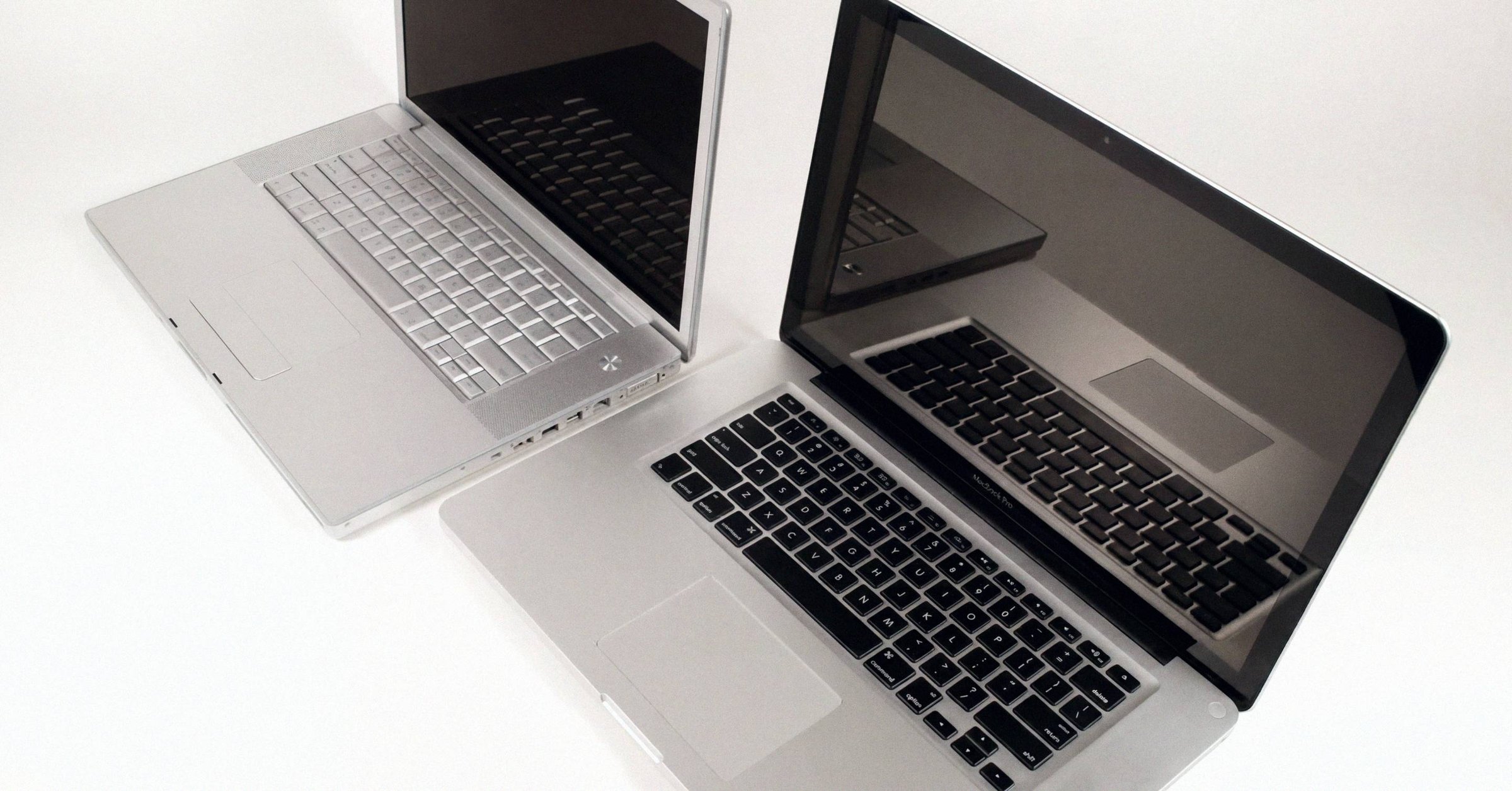
A Mac can boot to a normal login screen, accept a password, and still be bound to the previous owner's iCloud account on Apple's activation servers. This is the most expensive failure mode in the used-Mac market because it does not look like a problem until weeks after the sale, when the original owner audits their iCloud device list and marks the Mac lost. The Mac receives the command over the Find My network and locks instantly, leaving the buyer with no local recourse.
The only check that catches this before money changes hands is an in-person live boot through Setup Assistant, with Wi-Fi connected to force the activation handshake. There is no Apple-hosted serial-number lookup for Activation Lock state on Macs. Apple retired that page in 2017 and as of 2026 has not replaced it.
The pawn shop pitfall#
The failure mode operates as follows. A seller reinstalls macOS offline, or otherwise routes around the activation handshake at setup, then hands the Mac over. The local operating system loads. A user account exists. Logging in works. From the buyer's side, the Mac appears clean.
What that demonstration does not test is whether Apple's servers still hold a binding between the Mac's hardware identity (serial number and ECID) and the previous owner's Apple Account. If they do, two things become true. First, the original owner can see the Mac in their iCloud device list. Second, they can mark it lost at any future date and the Find My network will deliver the command. The Find My network relies on an anonymous, encrypted mesh of hundreds of millions of Apple devices: even when a Mac is asleep, offline, or has had its drive erased, its security processor keeps Bluetooth Low Energy beacons active as long as residual battery power remains, and nearby Apple devices relay commands back. The Mac does not need a Wi-Fi connection on the buyer's network to receive a lock command.
The result is a brick. The legitimate clears at the Activation Lock screen are the original Apple Account password, the local user's previously used device password, or an MDM-escrowed bypass code. A second-hand buyer who never had those credentials has no realistic local recovery.
What checkcoverage.apple.com does and does not show#
checkcoverage.apple.com confirms warranty/AppleCare status and that a serial is a genuinely registered Apple product with a plausible purchase or warranty date for the model. That is useful. It catches counterfeit-serial cases, board swaps that produced a mismatched identifier, and listings where the claimed model year is inconsistent with the serial. Run every used Mac purchase through it before the rest of the verification.
What Check Coverage does not show is Activation Lock state. The Activation Lock line on the page applies to iPhones and iPads, not Macs. Any screenshot that purports to show a green "Activation Lock: Off" badge on Check Coverage for a Mac is fabricated, because the page does not display that field for Macs at all.
Third-party sites still advertising "iCloud Activation Lock check by IMEI/serial" for Macs are commercial and advisory at best. Many return guesses. The worst are upsells into a "removal service" that, as covered in the cluster post on why "iCloud unlock" services cannot clear Mac Activation Lock, cannot defeat Apple's server-side enforcement. Treat them as untrustworthy.
The verification sequence, in order#
The full pre-purchase protocol, in the order to run it:
1. Serial number through checkcoverage.apple.com#
Paste the serial. Confirm the Mac is a registered Apple product with a purchase/warranty date that lines up with the listing's claimed model year. A "device hasn't been registered" result on an alleged five-year-old Mac is a red flag. For the broader serial-lookup workflow that pairs Check Coverage with model identification, see the Mac serial-number decoder guide.
2. Identify the chip#
Activation Lock only exists on T2 Intel Macs (2018 to 2020) and Apple silicon Macs (2020 onward) running macOS Catalina 10.15 or later. Pre-2018 Intel Macs without a T2 cannot have Activation Lock at all, which simplifies their purchase. To check on the Mac:
- Apple menu, About This Mac. On Apple silicon, the chip is listed (M1, M2, M3, M4, with the variant).
- Hold Option, Apple menu, System Information, look for "Apple T2 chip" under Controller or iBridge on Intel models.
3. Watch the seller sign out of iCloud and run Erase All Content and Settings#
This is the load-bearing step. The seller, in your presence:
- Opens System Settings, [their name], iCloud, Find My Mac, and turns it off using their Apple Account password.
- Opens System Settings, General, Transfer or Reset, Erase All Content and Settings, and runs it. The Erase Assistant prompts for the administrator password and the Apple Account password.
The act of running Erase All Content and Settings with valid Apple Account credentials is what unbinds the Mac from the seller's account on Apple's servers, destroys the per-device cryptographic keys, and restarts to a clean "Hello" Setup Assistant. If the seller cannot or will not perform this step, the transaction does not proceed.
4. Watch the Mac boot all the way to the multilingual "Hello" Setup Assistant#
Erase All Content and Settings restarts to a clean Setup Assistant. The "Hello" greeting cycles through languages. If you reach this screen, the local wipe completed.
5. Connect to Wi-Fi during Setup Assistant#
This step is non-optional. Connecting to a network is what forces the Mac to contact Apple's activation servers and run the activation check. The seller's home network or your own hotspot is fine. If, after Wi-Fi is connected, Setup Assistant proceeds straight to Region, Keyboard, Data and Privacy with no Activation Lock screen and no Remote Management screen, the Mac is genuinely clear.
If an Activation Lock screen appears asking for the Apple ID and password "previously used with this Mac," the seller did not actually clear the binding, or there is a different Apple Account still bound to the device. Stop. Do not pay.
If a Remote Management screen appears instead, the Mac is enrolled with an organization via Apple Business Manager or Apple School Manager. That is MDM enrollment, not Activation Lock, and it has different remedies. A Mac on the Remote Management screen with no relationship to any organization should be considered an unsuitable purchase by a private buyer.
6. Optional: confirm in System Information#
Where the field is exposed, hold Option, choose Apple menu, System Information, Hardware. Look for "Activation Lock Status: Disabled." This is a strong signal but not absolute proof; the authoritative state lives on Apple's servers, which is why the live boot is the gold standard. There are reports that the field has been removed or hidden on Apple silicon in some recent macOS versions. If you cannot find it, rely on the clean live boot rather than treating its absence as a verdict.
7. Pay#
Only after step 5 has produced a clean Setup Assistant on a Wi-Fi-connected Mac. Pay on a method that allows reversal: PayPal Goods and Services, credit card, eBay checkout, Facebook Marketplace checkout. The protections that win you a Significantly-Not-As-Described dispute live on those rails. Cash, Zelle, Venmo, Cash App, PayPal Friends and Family, Apple Cash, and wire transfer have no buyer protection and are the rails scammers prefer for exactly that reason.
Get a written, dated bill of sale with the serial number and the seller's contact details. Apple will not accept a private bill of sale as proof of original purchase at al-support.apple.com, but the document is essential for marketplace and credit-card disputes if anything goes wrong.
Red flags that should end the transaction#
- The seller refuses to erase the Mac or sign out of iCloud.
- The Mac boots to a normal login screen and the seller offers "I'll give you the password" instead of running the erase. Activation Lock is still in effect and will trigger on any later reset.
- A Remote Management screen appears during Setup Assistant. Walk away unless the seller can produce written organizational release from the owning ABM/ASM tenant.
- The serial returns "device hasn't been registered" on Check Coverage for a Mac allegedly used for years, or returns a model year wildly inconsistent with the listing.
- The seller insists on a payment rail with no recourse.
The pattern across all of these is the same: the seller is asking the buyer to absorb risk that a five-minute erase-and-live-boot would eliminate. A seller who genuinely owns the Mac and has nothing to hide has no reason to refuse the verification. The broader pattern of how stolen Macs end up on private-party markets, complete with phishing-pipeline mechanics, sits in the Find My phishing pipeline explainer.
What this means for the buyer#
The full check, end to end, takes about fifteen minutes including the erase. It is the single highest-leverage step in the entire used-Mac purchase protocol because it is binary: either the Mac reaches the "Hello" Setup Assistant on a Wi-Fi-connected network without an Activation Lock screen, or it does not. Skipping the step because the seller seems trustworthy, or because the Mac "logged in fine when I checked," is how a private-party purchase becomes a total loss.
For a deeper reference on what Activation Lock is and how it is enforced at the hardware and server level, see the cluster's Activation Lock hardware-and-server-side cluster reference, and for the specific case of a Mac that has already arrived locked, see what to do if you receive an iCloud-locked Mac.
Buying a Mac? Every listing on the Macfax shelf shows the exact configuration and an asking price in the open, with a signed report where the seller ran the checks.
Related posts
Activation Lock on Mac: the complete guide
Activation Lock arms automatically the moment you turn Find My Mac on, on any T2 (2018-2020 Intel) or Apple silicon Mac running Catalina or later. Here is how the lock is enforced, the four screens that get confused for it, every legitimate clear, and the in-person check that holds up before paying.
How to check Activation Lock by serial number
Apple retired its standalone Activation Lock status page in early 2017. As of 2026 no official Apple web tool reports a Mac's lock state by serial number. The reliable check is an in-person live boot.
How to check Activation Lock status on a Mac
Three ways to read Activation Lock status on a Mac you physically have: the System Information field, the system_profiler command line, and the live-boot Setup Assistant test. The last is the only one Apple's servers actually authenticate, which is why it is the gold standard.
Written by
Ben CarterBen Carter covers Mac marketplace fraud and the broader industry for Macfax. His reporting background is in investigative fintech, and at Macfax he focuses on counterfeit hardware, doctored listings, gray-market refurb operations, and the structural patterns in how secondhand-Mac fraud scales. He also writes the industry reports, covering pricing trends, marketplace share shifts, and the macro picture of where the used-Mac market is going.
More posts by Ben →