What to check when buying a Mac: a glossary for buyers and sellers
What to check when buying a Mac, term by term: Activation Lock, MDM, ADE, iCloud account state, Secure Enclave, FileVault, SIP, Secure Boot, unified memory, and Apple Coverage Check, each with a one-line verification pointer.

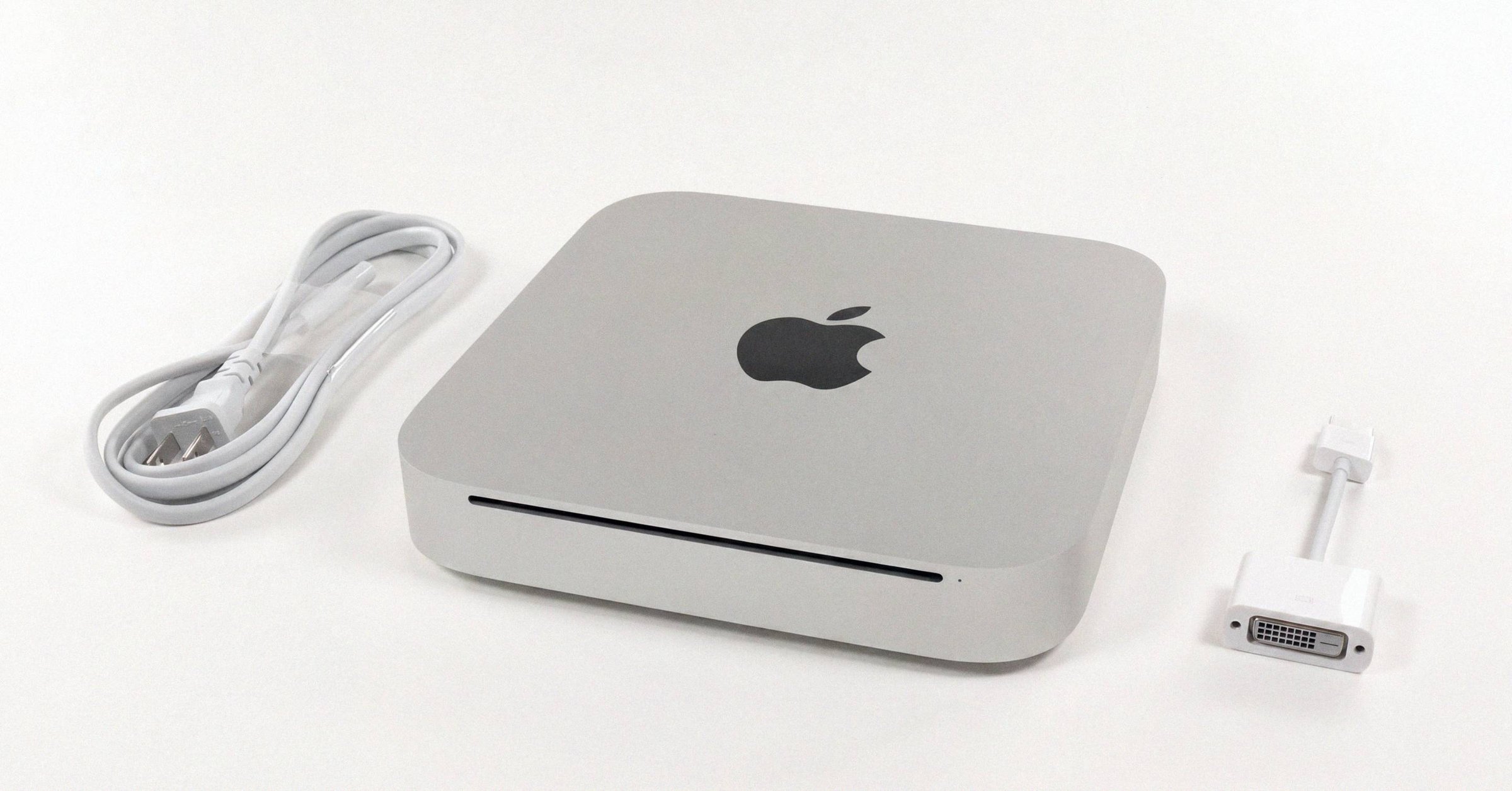
What to check when buying a Mac: a glossary for buyers and sellers#
What to check when buying a Mac comes down to a short list of terms most listings never mention. Almost every protection on a Mac in the second-hand market depends on chip generation: Apple silicon (M1 and later, from November 2020), the Apple T2 Security Chip (select Intel Macs from late 2017 through 2020), or pre-T2 Intel. The terms in this glossary describe what changes when the chip changes, and what to verify before money moves.
The two-step minimum check before paying is the same regardless of model. Run the serial through checkcoverage.apple.com (the reading checkcoverage.apple.com results guide walks through every result state). Then have the seller perform Erase All Content and Settings in person and confirm the Mac reaches a clean Setup Assistant, with no Activation Lock screen and no Remote Management screen. Most of the terms below describe what those two steps are testing for.
Identity and anti-theft#
Activation Lock ties a Mac to the previous owner's Apple Account at the firmware and Secure Enclave level. The Apple Account password is required to disable Find My, erase the Mac, or reactivate it after a wipe. A drive wipe does not bypass it, which is the entire point. Only exists on T2 and Apple silicon Macs. Verified in person by watching the Mac reach Setup Assistant cleanly. (Apple Support 102541)
Find My Mac is the iCloud feature that lets the owner locate, lock, or remotely erase the Mac. On T2 and Apple silicon, turning on Find My is what turns on Activation Lock. Signing out of iCloud forces it off.
iCloud account state is whether a user is signed in to iCloud on the Mac. It is the foundation underneath Find My, Activation Lock, iCloud Drive, iMessage, and FaceTime. Before paying, confirm System Settings shows "Sign in" at the top of the sidebar, not the seller's name.
Erase All Content and Settings (EACS) is the iPhone-style factory reset, supported on T2 and Apple silicon Macs running macOS Monterey 12 or later. One operation signs out of iCloud, removes Find My and Activation Lock, deauthorizes iTunes, unpairs Bluetooth, erases all user data, and resets Secure Boot to Full Security. This is the procedure a seller should run in front of the buyer.
Enterprise management#
MDM enrollment is the framework organizations use to remotely configure Macs via configuration profiles from a management server (Jamf, Kandji, Mosyle, Intune, Addigy, JumpCloud, others). User-approved enrollments are usually removable. Check with profiles status -type enrollment; a blank Device Management pane is not enough on its own.
Automated Device Enrollment (ADE / DEP / ABM / ASM) is the much deeper bond. The serial is registered in Apple Business Manager or Apple School Manager, and Apple's own servers tell the Mac which MDM to enroll into the moment it reaches Setup Assistant online. A factory reset, OS reinstall, or DFU restore through Apple Configurator does not remove the binding; the assignment lives on Apple's side. Only the original organization can release it. Beware the "Delayed DEP Activation" trap, where a seller completes Setup Assistant offline so the binding stays hidden until the Mac connects to the internet later. (Apple Deployment Reference)
Hardware security#
Secure Enclave. A separate security coprocessor inside the chip, with its own boot ROM, encrypted memory, AES engine, and tiny operating system (sepOS) derived from a customized L4 microkernel. It stores Touch ID templates, FileVault keys, Apple Pay keys, Activation Lock identity keys, and the Apple silicon LocalPolicy. A per-Mac UID fused into the silicon at fabrication means encrypted blobs on the SSD are unreadable on any other physical machine. (Apple Platform Security)
Apple T2 Security Chip. Apple's 2017-2020 coprocessor for Intel Macs, based on a variant of the A10 and running an OS called bridgeOS. T2 presence is the single biggest dividing line among Intel Macs: it enables Activation Lock, hardware-encrypted SSD, Secure Boot, and EACS. T2 models are the iMac Pro (2017), 2018-2020 Intel MacBook Pro and Air, Mac mini (2018), Mac Pro (2019), and iMac 27-inch (2020). (Apple Support 103265)
System security configuration#
FileVault is full-disk encryption. On T2 and Apple silicon Macs the SSD is always hardware-encrypted by the Secure Enclave regardless of FileVault state; FileVault adds the user-password requirement and toggles nearly instantaneously. On pre-T2 Intel Macs, FileVault uses software encryption and triggers a multi-hour background encrypt or decrypt.
System Integrity Protection (SIP) restricts what even the root user can modify, covering filesystem protection, kext signing, NVRAM protection, debugging restrictions, and DTrace restrictions. On by default; only disablable from Recovery. A Mac on the second-hand market advertised as a normal personal machine that returns "disabled" from csrutil status is a yellow-to-red flag. (Apple Support 102149)
Secure Boot verifies that only Apple-signed code loads at startup. T2 Macs configure it system-wide through Startup Security Utility (Full / Medium / No Security, plus an Allowed Boot Media toggle). Apple silicon Macs configure it per-volume through the LocalPolicy (Full / Reduced / Permissive Security). Activation Lock only engages at Full Security. Running EACS resets the policy to Full automatically. (Apple Support 102522)
Performance architecture#
Unified memory. Apple silicon's single pool of high-speed RAM sitting on the same package as the CPU, GPU, and Neural Engine, accessible by all three without copying. Soldered to the chip package; never upgradable by anyone. Apple Intelligence features require at least 16 GB. Memory bandwidth matters as much as capacity for AI and pro video work.
ProRes and the Media Engine. Fixed-function silicon blocks for video codec acceleration. Base M-series chips have no hardware ProRes (software-only). Pro tier has one ProRes engine, Max has two, Ultra has four. Irrelevant for most users; required spec for serious video editing.
Warranty and history#
Apple Coverage Check at checkcoverage.apple.com is the free Apple-operated serial lookup. It returns warranty status, AppleCare+ status, and whether the serial is real. Run this before anything else. The complete 2026 guide to Apple Coverage Check walks through every field the tool returns and the edge cases sellers don't always anticipate. Its companion is the Macfax serial lookup: exact model and year from the same serial, including 2021-and-newer randomized ones, plus whether a verified Macfax report exists for the machine.
Repair Assistant is new in macOS Tahoe 26. It validates a Mac's repair history by checking cryptographic part pairing (display, Touch ID sensor, logic board). Unauthorized or incomplete repairs produce a persistent "Finish Repair" warning. Run it in Setup Assistant on any Apple silicon Mac shipping with Tahoe. The Parts and Service History label reference for Tahoe 26 walks through what each label state actually means for the buyer.
What this means for the buyer#
Four entirely different things can lock a used Mac out: Activation Lock, MDM, ADE, and a still-signed-in iCloud account. They are not the same problem and they are not solved by the same step. Activation Lock and a signed-in account both clear with Erase All Content and Settings. MDM usually clears with a wipe. ADE clears with nothing the buyer can do; only the original organization can release the binding from Apple Business Manager.
That is why the two-step kitchen-table check works. Coverage Check proves the serial is real and reports AppleCare status. EACS in front of you, with the Mac online during Setup Assistant, surfaces each of those four barriers before you hand over money.
Related posts
Mac Startup Security Utility: Secure Boot levels on T2 and Apple silicon
Startup Security Utility on a Mac is the Recovery-only panel that exposes the Secure Boot policy. T2 Macs configure one system-wide level (Full / Medium / No Security). Apple silicon Macs configure per-volume LocalPolicy (Full / Reduced / Permissive). Activation Lock only engages at Full.
Activation Lock on Mac: the complete guide
Activation Lock arms automatically the moment you turn Find My Mac on, on any T2 (2018-2020 Intel) or Apple silicon Mac running Catalina or later. Here is how the lock is enforced, the four screens that get confused for it, every legitimate clear, and the in-person check that holds up before paying.
Find My Mac and Activation Lock: turning off the iCloud switch before selling
Find My Mac is the iCloud feature that lets the owner locate, lock, or remotely erase the Mac, and on every T2 or Apple silicon Mac it is also the switch that controls Activation Lock. Turning Find My off is what releases the device for sale.
Written by
Ben CarterBen Carter covers Mac marketplace fraud and the broader industry for Macfax. His reporting background is in investigative fintech, and at Macfax he focuses on counterfeit hardware, doctored listings, gray-market refurb operations, and the structural patterns in how secondhand-Mac fraud scales. He also writes the industry reports, covering pricing trends, marketplace share shifts, and the macro picture of where the used-Mac market is going.
More posts by Ben →