Apple Coverage Check for iPhone vs Mac: what's different
Apple Coverage Check uses the same URL, the same field set, and the same one-year Limited Warranty length on iPhone and Mac. The differences are where to find the serial, which AppleCare+ tiers are available, and how aggressively the country-of-sale warranty restriction applies.

Apple Coverage Check is the same tool on iPhone and Mac. Same URL at checkcoverage.apple.com, same CAPTCHA flow, same six-field result page, same one-year Limited Warranty length, same 90-day complimentary phone support window, same core AppleCare+ behavior. The differences are in detail, not architecture.
Three things differ in practice, in order of impact: where the serial is etched, which AppleCare+ tiers are available, and how strictly the country-of-sale warranty restriction applies. For the head-term reference covering every device, see the 2026 reference covering Apple Coverage Check across every device, and for the one-page walkthrough of what each result state means, the Apple Coverage Check guide. On the Mac side, the Macfax serial lookup is the companion for the identification half: exact model and year from the serial, including randomized ones, no captcha.
Where the serial lives#
The serial is the only handle either Coverage Check or mysupport needs. It lives in different places depending on the device.
- iPhone: Settings → General → About → Serial Number. On older models (iPhone 5 through SE 1st gen), the serial is also etched on the SIM tray.
- iPad: Settings → General → About → Serial Number. On cellular iPads, also on the SIM tray.
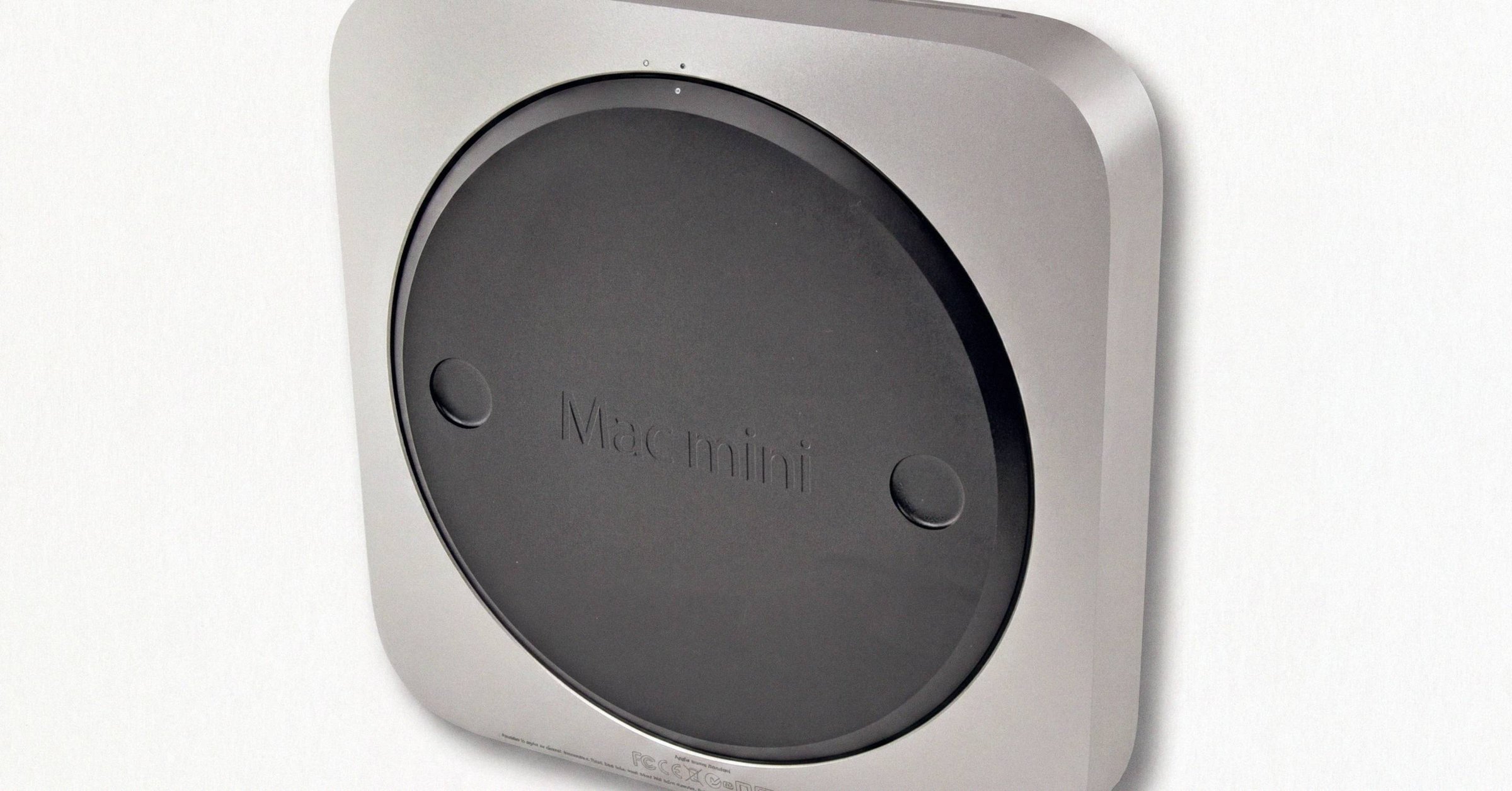
- Mac: Underside of the case (small etched text near the regulatory markings), Apple menu → About This Mac, or System Settings → General → About → Serial Number.
- Apple Watch: Inside the band slot when you remove a band, or Watch app on the paired iPhone → My Watch → General → About.
If the device will not boot, the etched serial is your only option. Note that a device that has had its logic board replaced will have a different firmware serial than the etched serial. The firmware serial is what Apple's database uses for Coverage Check, and what About This Mac or Settings displays. The etched serial is the original manufacturing serial. If they disagree, the device has had a board swap at some point.
Which AppleCare+ tiers are available#
The AppleCare lineup looks the same at first glance but differs in which tiers each device can carry.
AppleCare+ with Theft and Loss is iPhone, iPad, and Apple Watch only. Never Mac. The plan bundles standard AppleCare+ with a separate insurance policy. In the U.S., it is underwritten by New Hampshire Insurance Company (NAIC #23841), an AIG company; in the U.K. by AIG UK Limited. Find My must be enabled at the time of loss and throughout the claim, per support.apple.com/iphone/theft-loss-claims.
On the Coverage Check page, Theft and Loss appears as a distinct plan line on an iPhone/iPad/Watch result, with the same expiration logic as standard AppleCare+. A Mac result page never shows that line. If a seller claims their Mac has Theft and Loss coverage, that is not a real product.
AppleCare+ is available on all Apple devices and covers hardware failure and accidental damage. Term length differs: 24 months upfront for iPhone, iPad, and Apple Watch; 36 months upfront for Mac. Both also have monthly or annual subscription options that renew until cancelled.
AppleCare One is the new multi-device subscription added July 23, 2025, U.S.-only as of this writing. $19.99/month for up to three products, plus $5.99/month per additional device. Accepts devices up to four years old subject to a diagnostic, per support.apple.com/en-us/122224. AppleCare One extends Theft and Loss to iPad and Apple Watch for the first time, with up to three theft or loss claims per year across covered devices.
The legacy AppleCare Protection Plan still surfaces on some older Macs but not on iPhones. The plan predates AppleCare+ and is still sold for Apple TV and a few legacy products.
The country-of-sale warranty restriction#
This is the difference that produces the most real-world confusion.
Apple's iOS warranty document states that Apple may restrict warranty service for iPhone, iPad, Apple TV, HomePod, and Apple Vision Pro to the country where Apple or its authorized distributors originally sold the device. The restriction applies most aggressively to iPhone, where it is well-documented and consistently enforced. It does not appear on the Mac warranty in the same form.
The practical consequence: a perfectly genuine foreign-purchased iPhone can return "this serial number isn't valid" on the wrong regional Coverage Check page while returning a clean record on the equivalent page for the country of original sale. A Vietnamese-purchased iPhone (model code VN/A) on the US page may say invalid; the same serial on checkcoverage.apple.com/jp/ja/ or checkcoverage.apple.com/cn/zh/ returns the expected result.
Causes are a mix of genuine country-locking and regional database synchronization latency. Apple Support responders routinely advise contacting support in the device's country/region for service requests on imported hardware.
The regional URL pattern#
The pattern is checkcoverage.apple.com/<country>/<locale>/. Representative URLs:
- United States:
checkcoverage.apple.com/us/en/ - United Kingdom:
checkcoverage.apple.com/gb/en/ - Canada:
checkcoverage.apple.com/ca/en/(French:/ca/fr/) - Japan:
checkcoverage.apple.com/jp/ja/ - Germany:
checkcoverage.apple.com/de/de/ - France:
checkcoverage.apple.com/fr/fr/ - Australia:
checkcoverage.apple.com/au/en/ - Mainland China:
checkcoverage.apple.com/cn/zh/ - India:
checkcoverage.apple.com/in/en/
If a device you bought abroad shows invalid locally, try the regional URL for the country of original sale before concluding the serial is fake. For more on what each model-number region suffix means (LL/A, J/A, VN/A, etc.), see the refurbished and gray-market Coverage Check reference.
Two iPhone-only quirks worth knowing#
IMEI is not shown on Coverage Check for iPhone. Even though IMEI is the cellular identifier Apple's database uses internally. Verify IMEI on the device under Settings → General → About → IMEI, or by dialing *#06#, or with the carrier. The Coverage Check page is a serial-keyed lookup, not an IMEI-keyed lookup, even on cellular hardware.
Carrier/SIM lock state is not shown either. Verify under Settings → General → About → Carrier Lock. "No SIM restrictions" means unlocked. A phone reported stolen to a carrier can show "Active" coverage on Coverage Check while being blacklisted from cellular use. The IMEI blacklist database and Apple's warranty database do not talk to each other. A clean Coverage Check is not a clean IMEI check.
For Apple Watch, the Coverage Check page returns the watch's own independent record. Paired-iPhone status is not shown. If you want both, you query both serials.
What is the same across iPhone, iPad, Mac, and Watch#
For completeness, here is what does not differ.
- URL: same
checkcoverage.apple.compage; the device type is inferred from the serial. - CAPTCHA: same flow.
- Six-field result set: marketing model name, Estimated Purchase Date, Valid Purchase Date indicator, Telephone Technical Support status, Repairs and Service Coverage status, Estimated Expiration Date.
- Apple Limited Warranty: one year from purchase/activation (two years in Türkiye), regardless of device.
- 90-day complimentary phone support: same window across all devices.
- The three surfaces (anonymous web, mysupport.apple.com, on-device Settings → General → AppleCare & Warranty) all work for every device class, reading from slightly different caches.
- Error states: "isn't valid," "has been replaced," "Activate Your Device," "we're unable to validate your product's purchase date." Same wording, same meaning. For the deal-breaker states, see the "this serial has been replaced" flagged-state guide.
What this means for the reader#
If you are vetting a foreign-purchased iPhone, the regional URL is the first thing to try when the US page says invalid. Identify the country of original sale from the model-number suffix in Settings → General → About, then load the matching regional Coverage Check URL.
If you are vetting a used Mac, the country-of-sale restriction is far less of an issue. Most Macs will return a clean record on any regional Coverage Check page. But the model-number suffix still matters, because a J/A or ZP/A MacBook Pro carries different keyboard layouts and (occasionally) different baseband region restrictions. Read the suffix before paying.
If you are deciding whether to buy AppleCare+ versus AppleCare One, the deciding factor is usually whether you own multiple devices and whether at least one is iPhone/iPad/Apple Watch (the Theft and Loss-eligible classes). AppleCare One is the only path to AppleCare-grade coverage on a Mac that is past its 60-day enrollment window but under four years old. For buyers who want device-bound verification instead of (or alongside) the serial-only Coverage Check read, the Coverage Check vs Macfax comparison walks through what each tool actually proves.
Have a serial in front of you? The Macfax lookup reads the model, year and configuration, and shows what Apple's own tools leave out.
Related posts
How to check AppleCare status on a Mac
Three surfaces show AppleCare status on a Mac: checkcoverage.apple.com (anonymous, by serial), mysupport.apple.com (Apple Account with a downloadable Proof of Coverage PDF), and Settings → General → AppleCare & Warranty on the device itself.
Apple Coverage Check on refurbished and gray-market Macs
Apple Certified Refurbished Macs come with a fresh one-year Limited Warranty and full AppleCare+ eligibility. Third-party 'renewed' Macs do not. The model-number prefix (M, F, N, P, 3, 5) and region suffix (LL/A, J/A, VN/A) tell you which Coverage Check will show.
Apple Coverage Check: the complete 2026 guide
Apple Coverage Check at checkcoverage.apple.com is now branded AppleCare & Warranty. This is the complete reference for what every result state means, what each field on a valid result actually says, and what the tool deliberately does not show.
Written by
Marcus WilliamsMarcus Williams covers Mac hardware and repair for Macfax. He spent six years on the bench at an Apple Authorized Service Provider in the Pacific Northwest before going independent, most of that time on logic-board repair, display assembly swaps, and the failure patterns Apple's diagnostics don't surface. He writes about what's inside a Mac, what breaks first, and what a serial number can and can't tell you about a unit's history.
More posts by Marcus →